.png)
Remove members from your workspace team
When the team membership of a user is no longer required, you can remove the team member from your workspace team.
-
Access the Team Members or the Team Composition panel for your workspace from the PortalTalk Workspaces web part or from the PortalTalk Team Members web part.
-
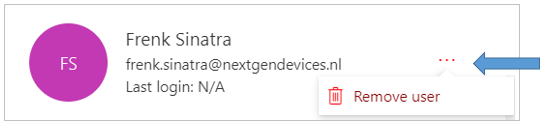
Click the ellipsis menu button for the team member you wish to delete and select the option Remove user.
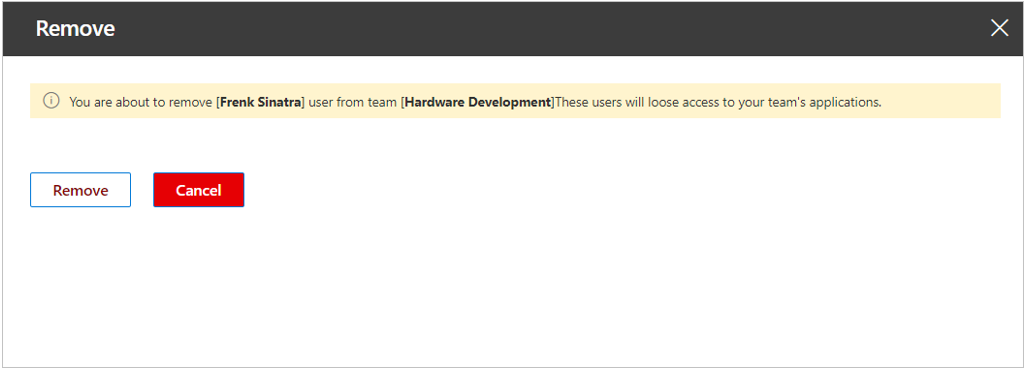
The Remove panel is displayed on the right side of the screen:
-
Click Remove.
-
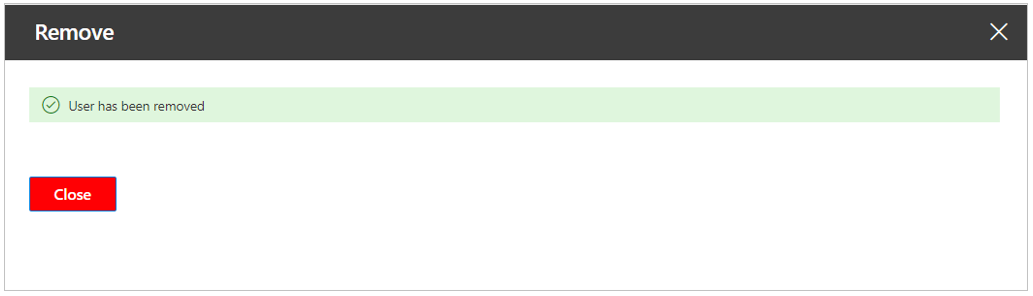
Click Close.
The Remove panel closes and the user you deleted is no longer visible within the Team Members panel of your workspace.