.png)
Handling a workspace request through your Activity Feed
The users with workspace creation permissions within a specific workspace category, find a request for a new workspace on their activity dashboard.
You can handle the workspace request through the Activity Feed notification in your activity dashboard.
-
Select the navigation option Activities to go to your activity dashboard.
Your activity dashboard contains the various boxes with information about your workspaces, including your Activity Feed.
-
In your Activity Feed, click on the workspace request.
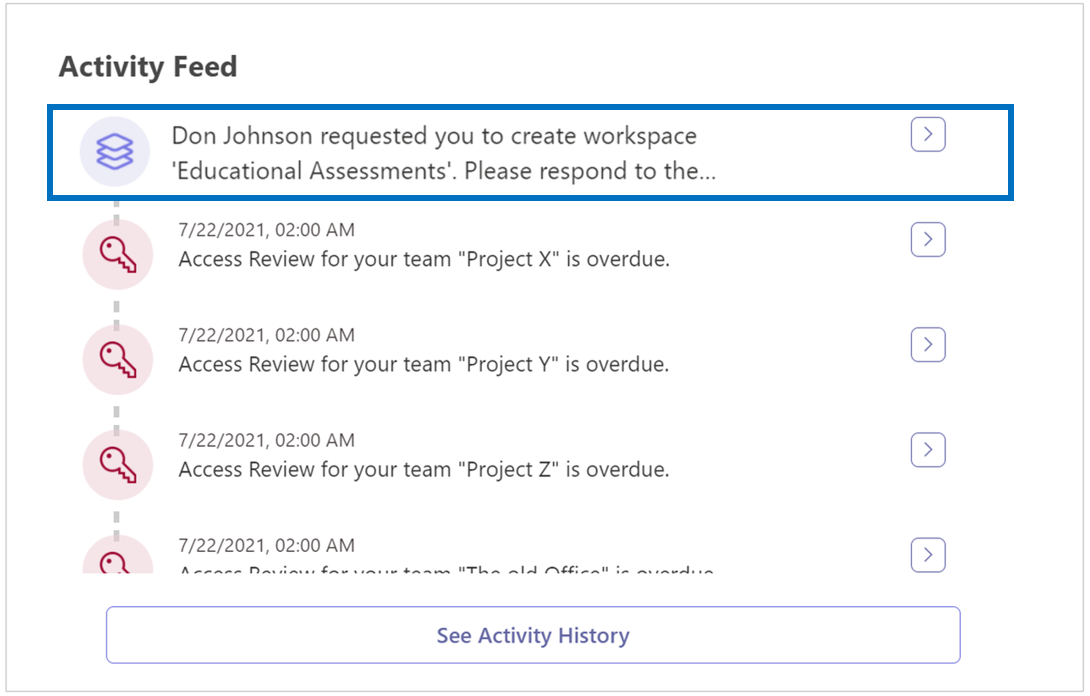
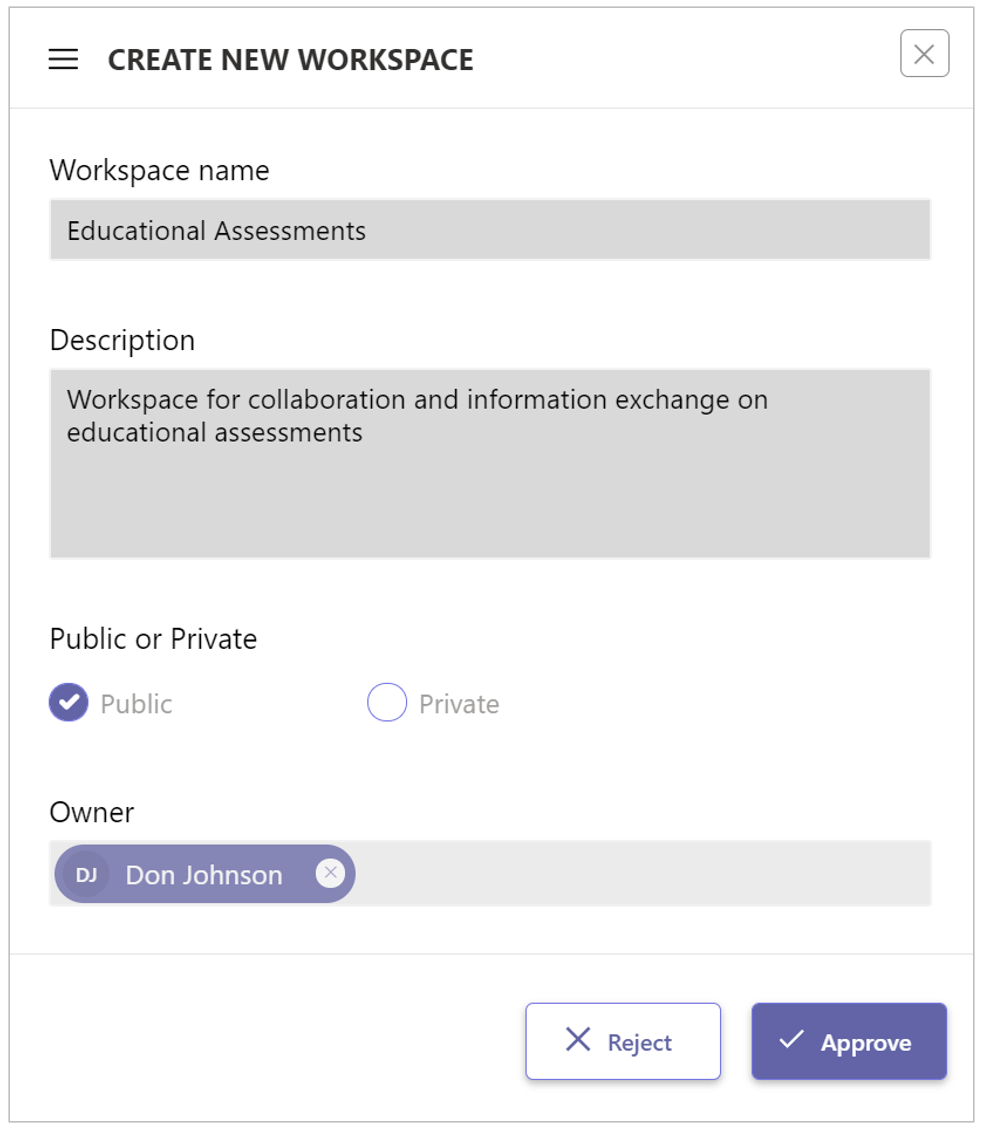
The Create New Workspace form is displayed:
-
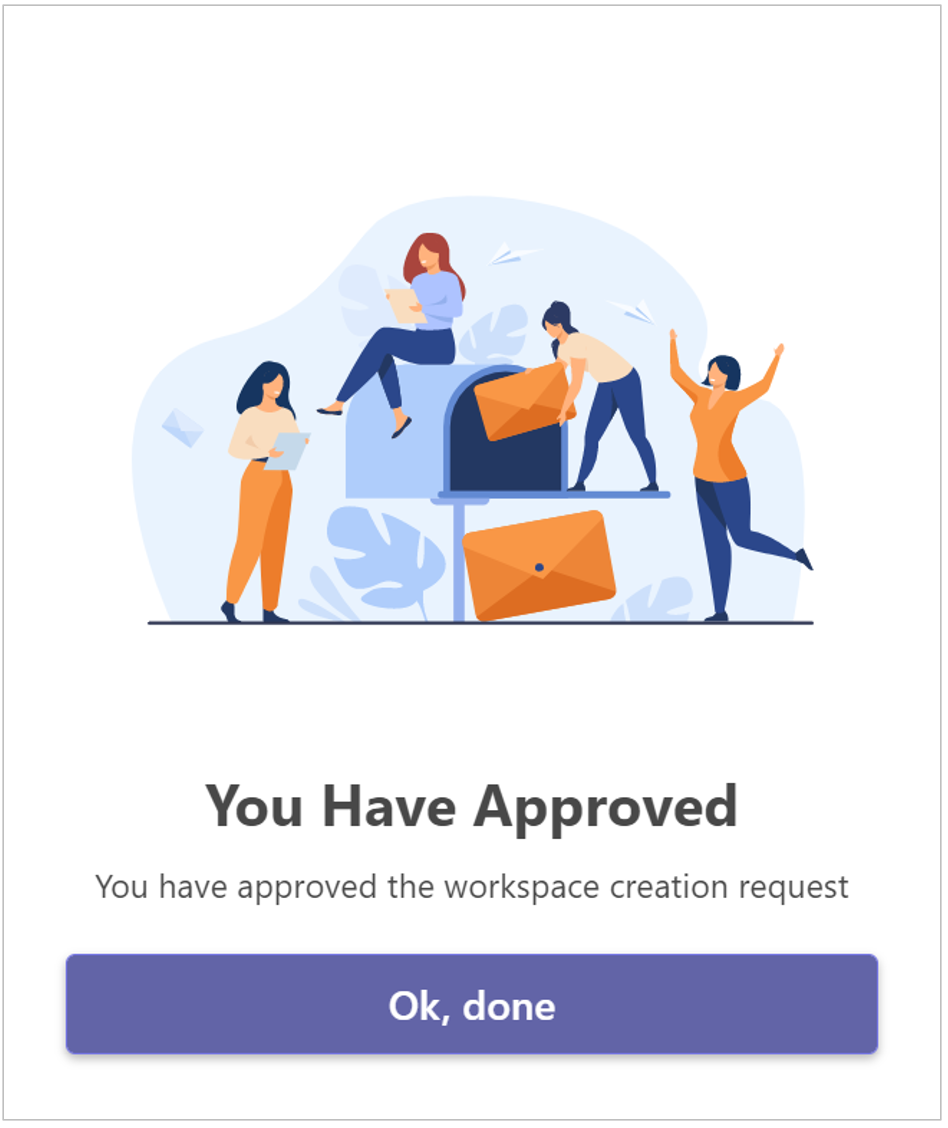
Click Approve to create the requested workspace.
-
Or click Reject to reject the workspace request.
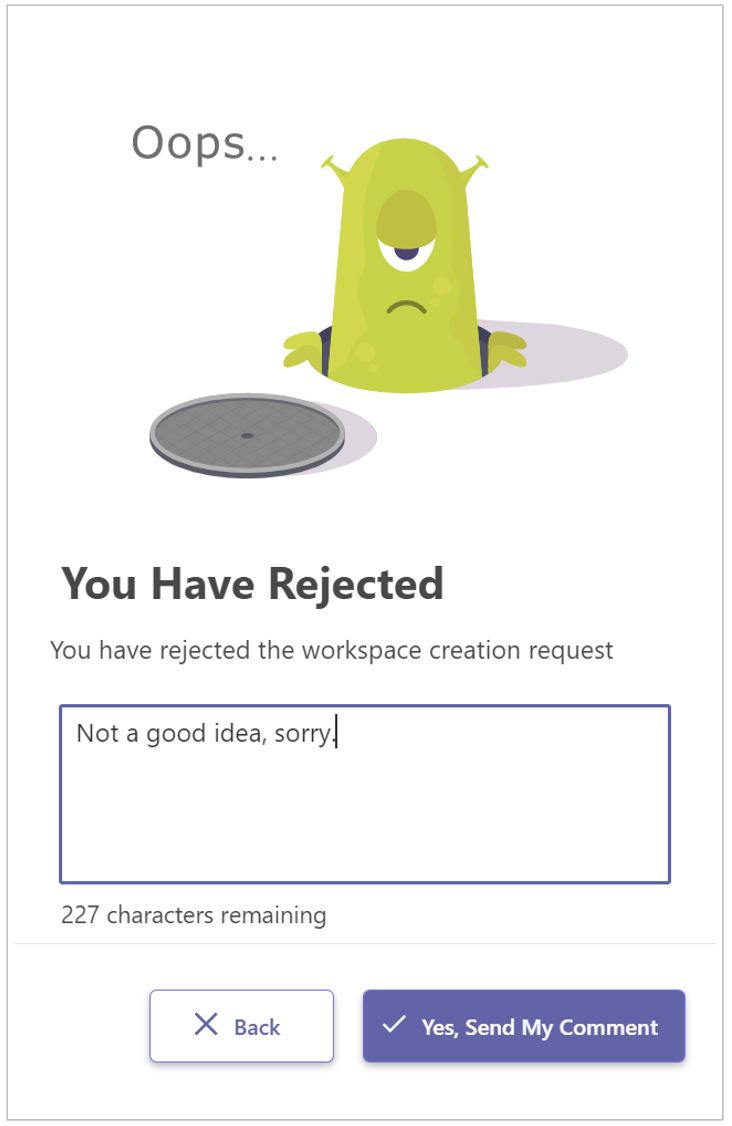
In the event of rejection, you can state the reason, which will then also be sent back to the requester in an email message.
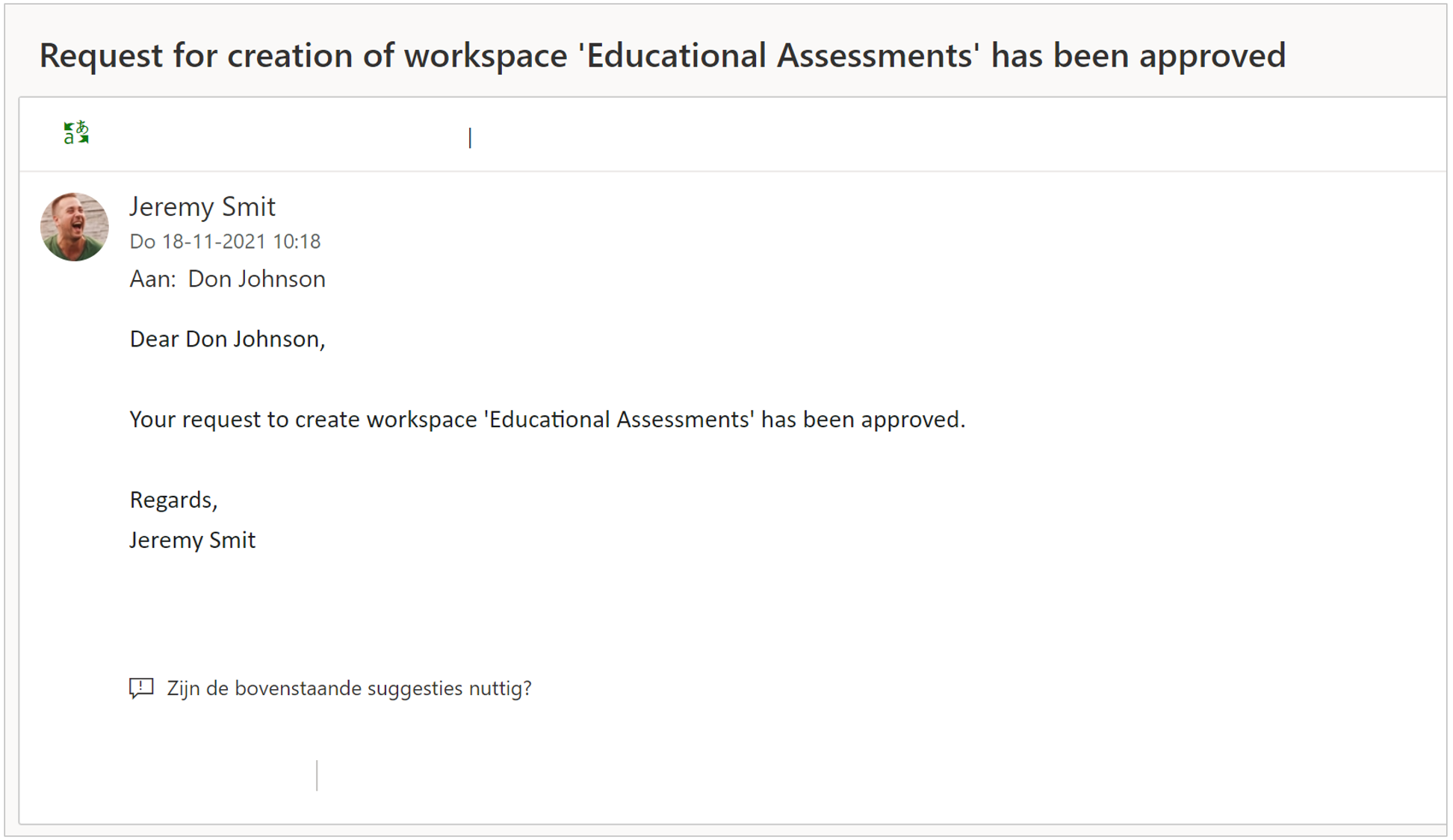
The text of PortalTalk' s automated email messages can be set/adjusted by your application administrator (see Managing the templates for automatically generated email messages).