.png)
Archive a workspace within which active collaboration no longer takes place
When your workspace no longer needs to be actively used, for example because the associated project has been completed, you can archive the workspace.
Upon archiving your workspace:
-
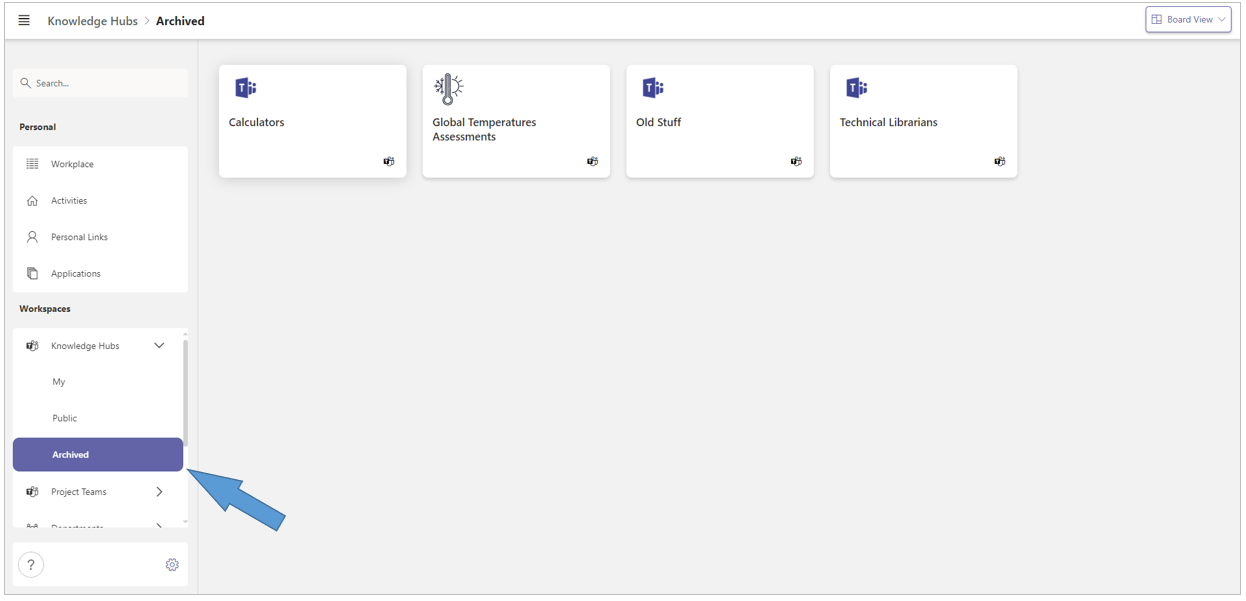
The workspace is transferred to the Archived workspace subcategory. Archived workspaces are no longer displayed within the subcategories My or Public.
-
The periodic Access Review process is terminated.
-
All external team members are removed from the workspace’s team.
-
All internal team members and the workspace owners are assigned the default permission for archived workspaces - usually Read Only.
Note: The transformations described above can only be rolled back by a PortalTalk administrator. When an archived workspace is retrieved from the archive by the administrator, the team members are assigned the default internal team member permission. The workspace owner must then re-invite any external team members and also restore any additional user permissions.
-
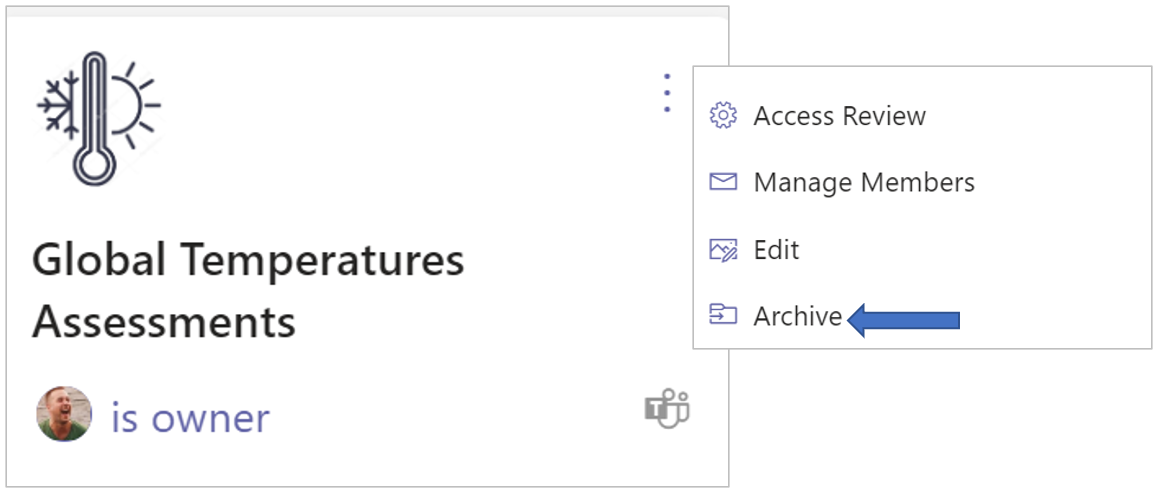
Click the workspace’s ellipsis menu button and select the Archive option.
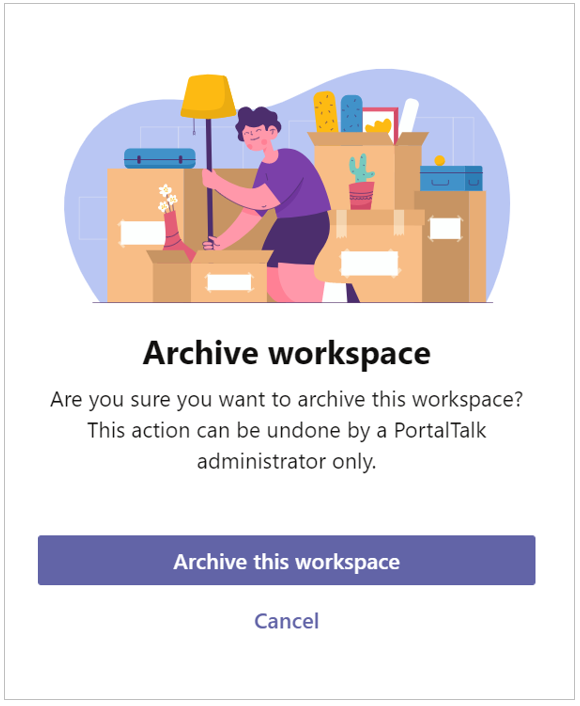
The Archive workspace form is displayed:
-
Click Archive this workspace.
Your archived workspace has now been moved to the Archived workspace subcategory: