.png)
Remove team members from your workspace
When a user's team membership is no longer required, you can remove the team member from your workspace team.
You can do this on the workspace’s Members page.
-
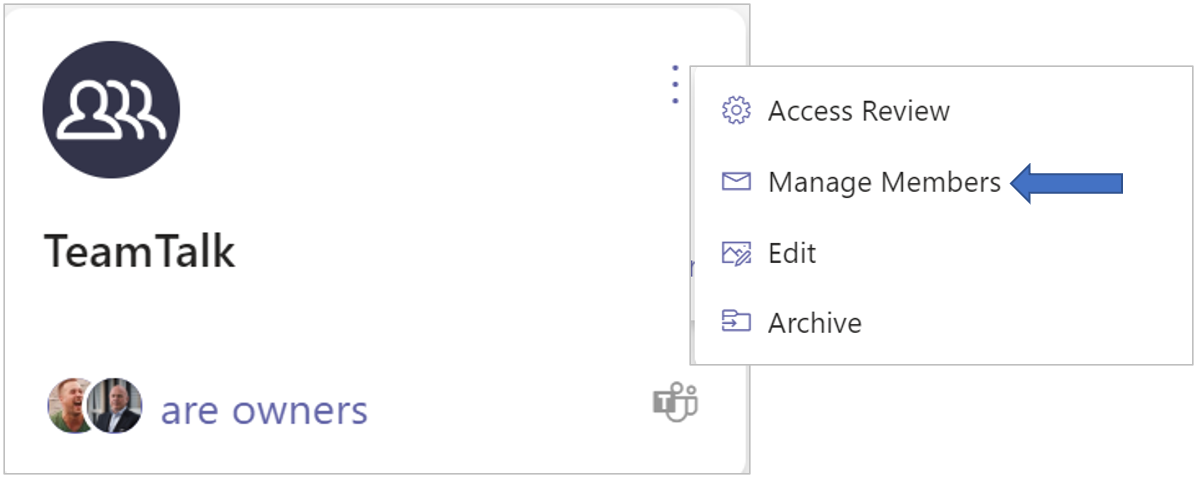
Click the workspace’s ellipsis menu button and select the option Manage Members.
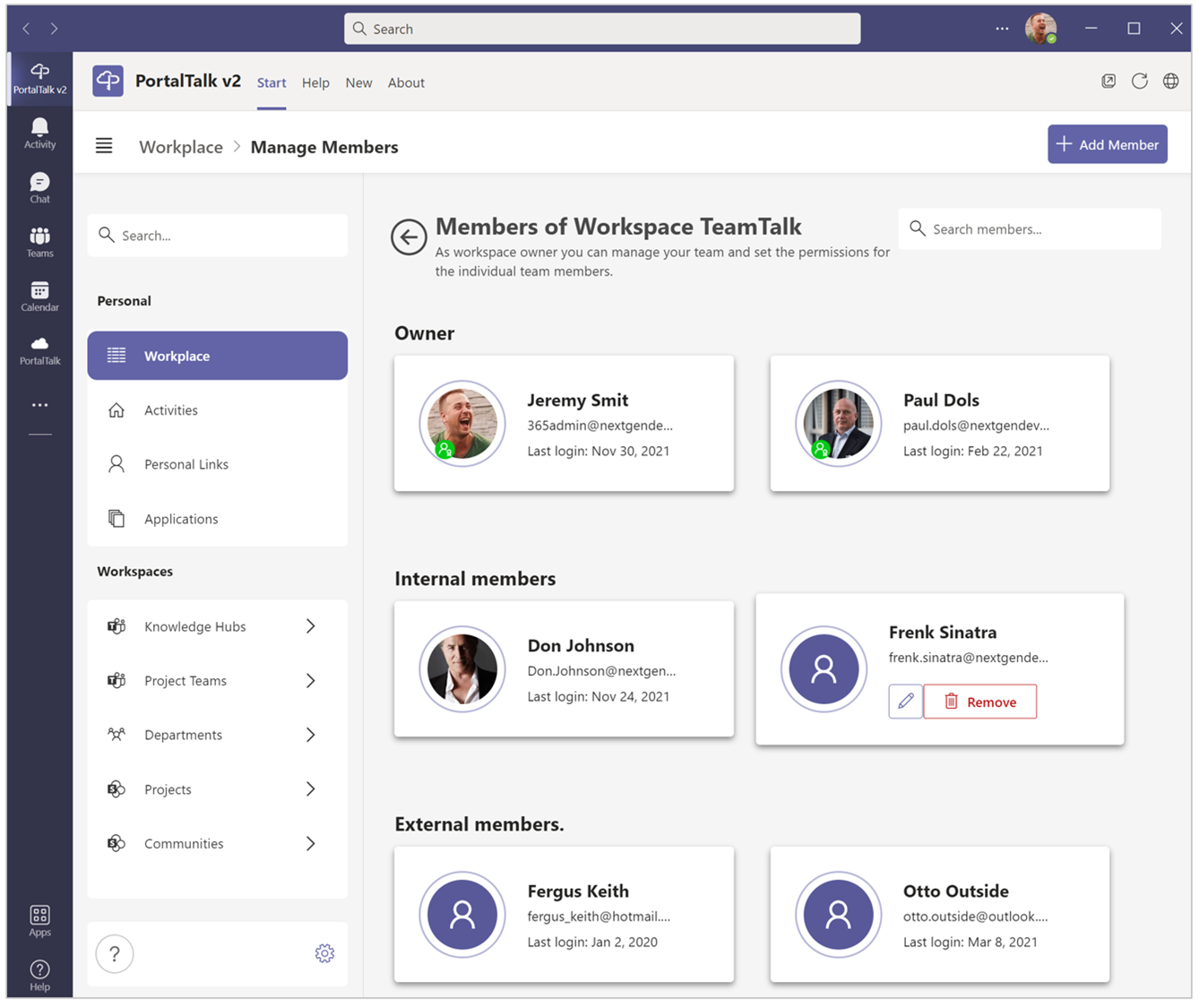
The Members page of your workspace is launched:
-
Hover the mouse pointer over the member you wish to remove from the team and click the option Remove.
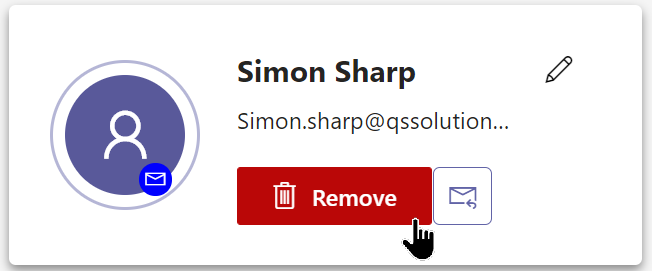
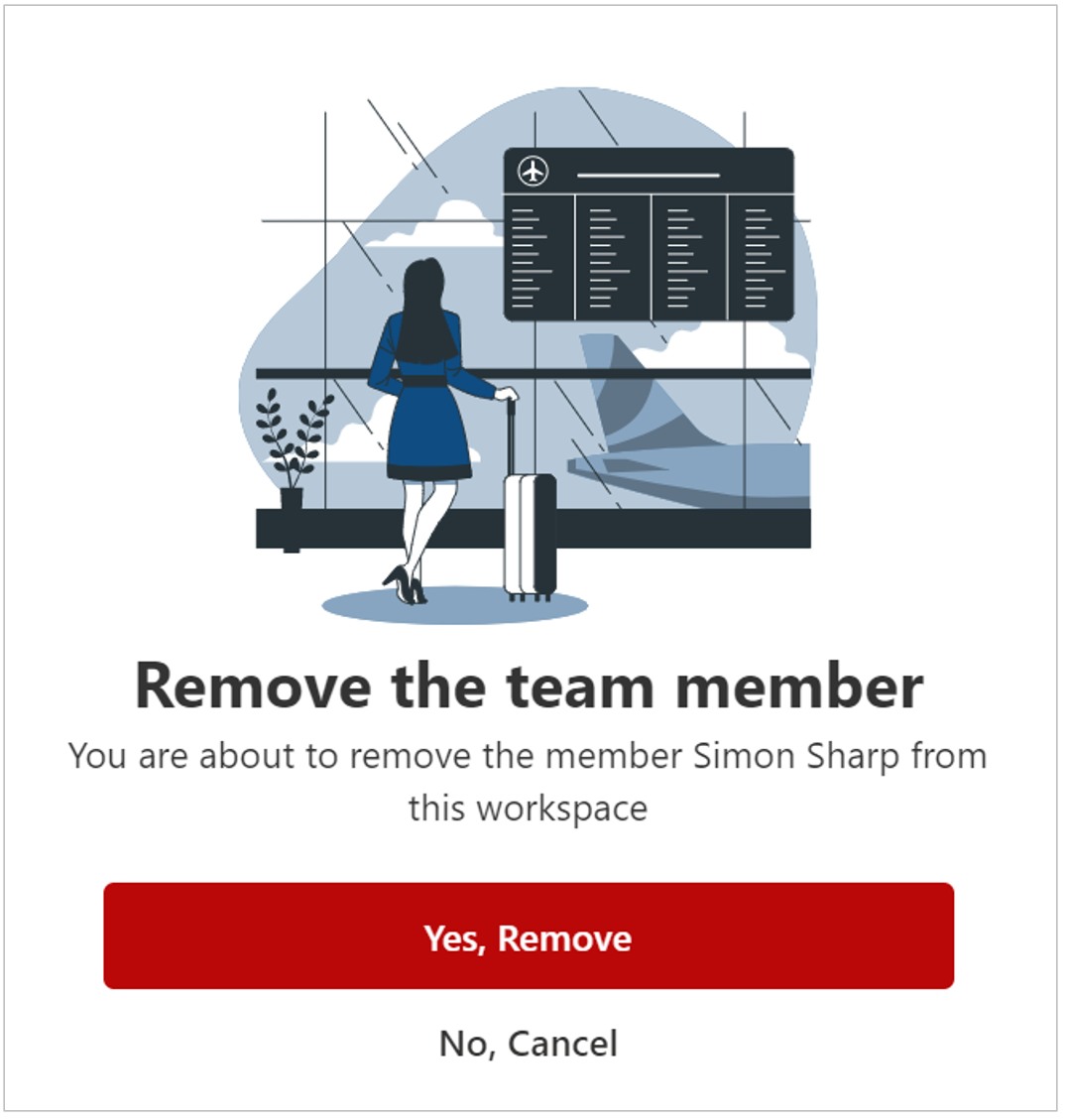
The Remove the team member form is displayed:
-
Confirm your action.
You are returned to the workspace’s Members page which no longer displays the removed team member.