.png)
Edit your workspace link settings
As a workspace owner, you can adjust the settings of your workspace settings.
The settings you can adjust for your workspace are:
- Workspace name
- Workspace logo
- Description
- Public or Private workspace
- Category
-
Click the workspace’s ellipsis menu button and select the option Edit.
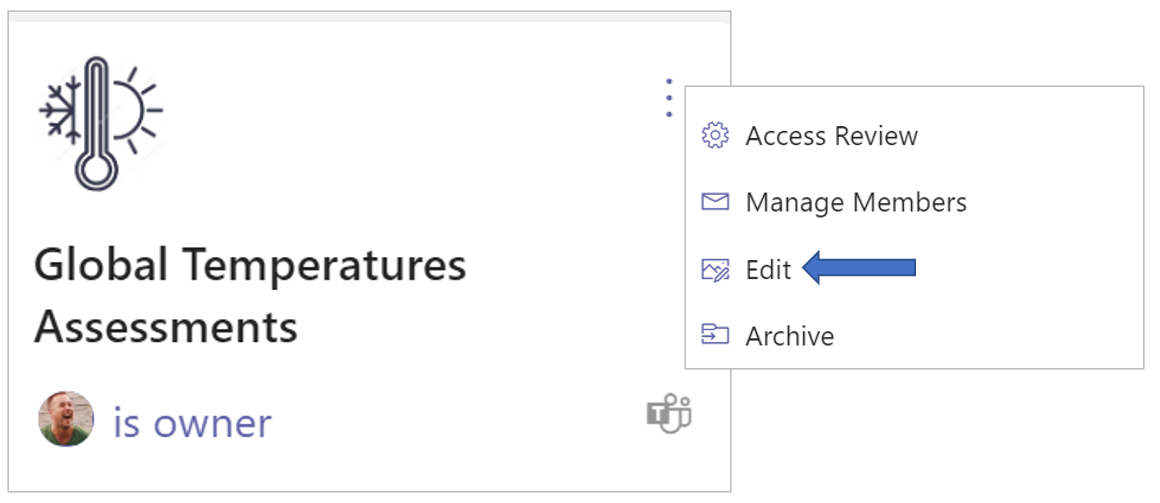
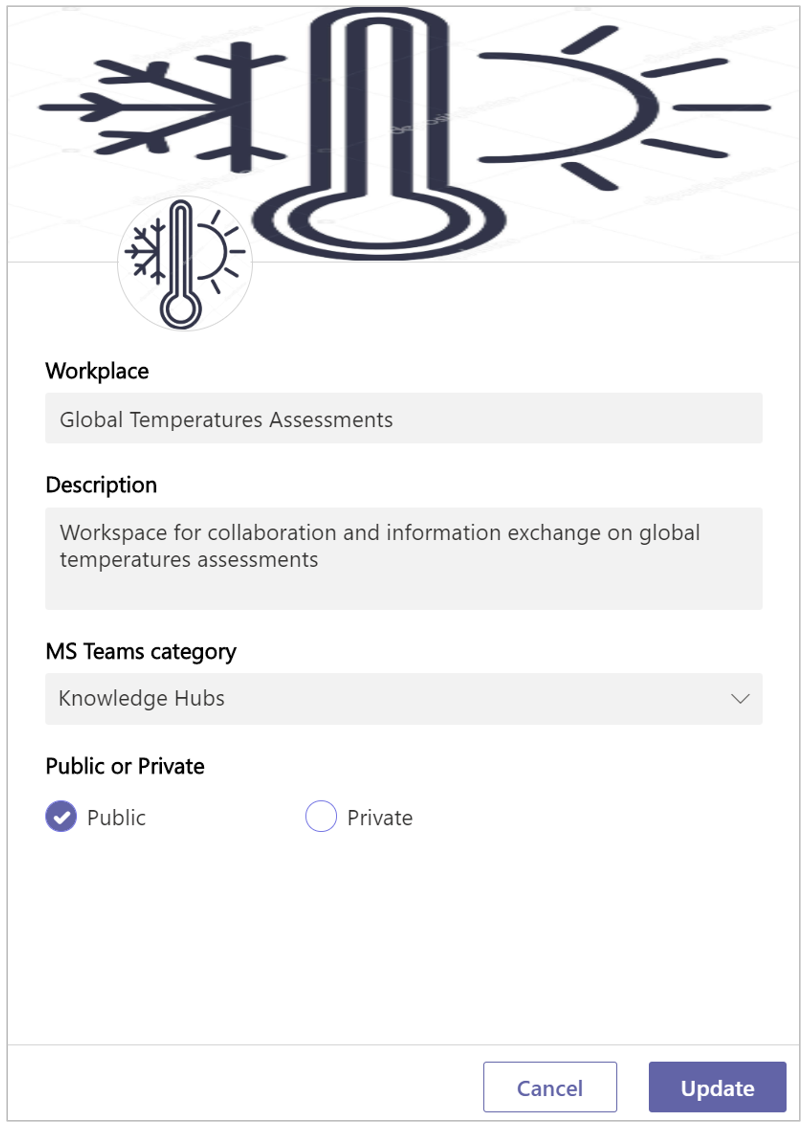
The panel for editing your workspace settings is displayed:
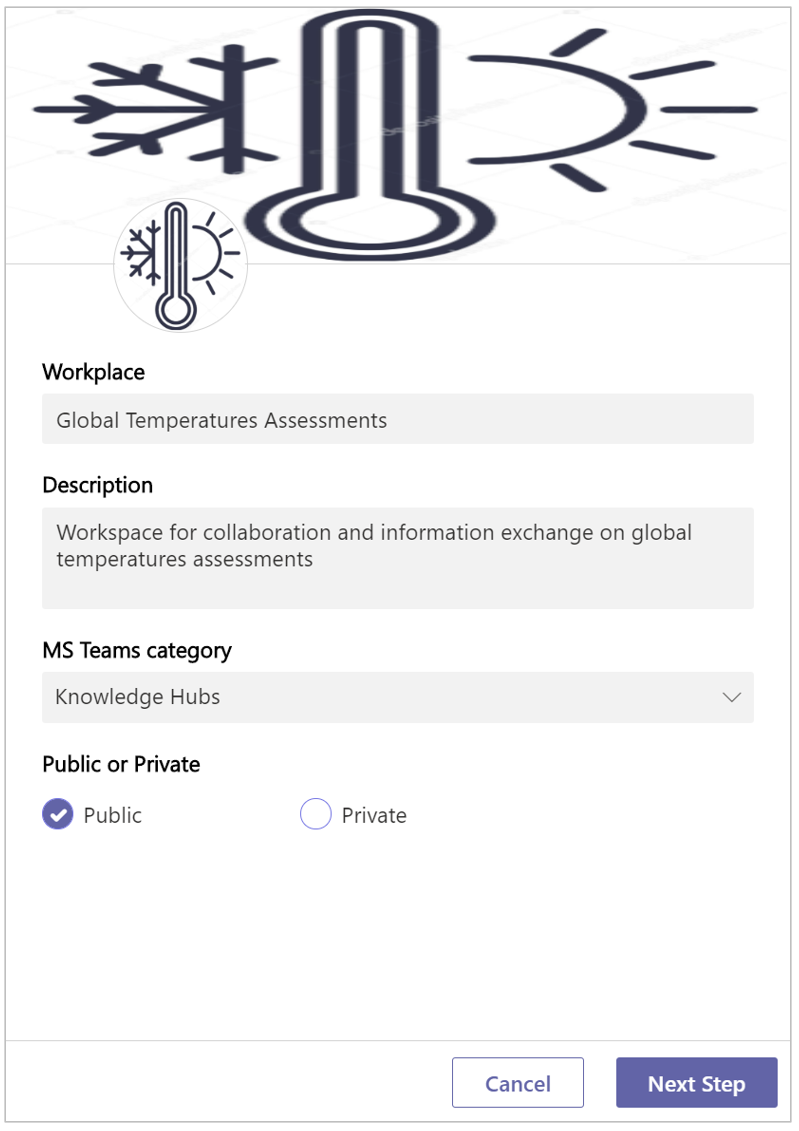
-
Workspace - Adjust the title of your workspace.
-
Description - Edit your workspace’s description.
-
MS Teams categorie - Transfer your workspace to a different category.
-
Public or Private - Change this setting from Public to Private or vice versa.
-
Click Next Step.
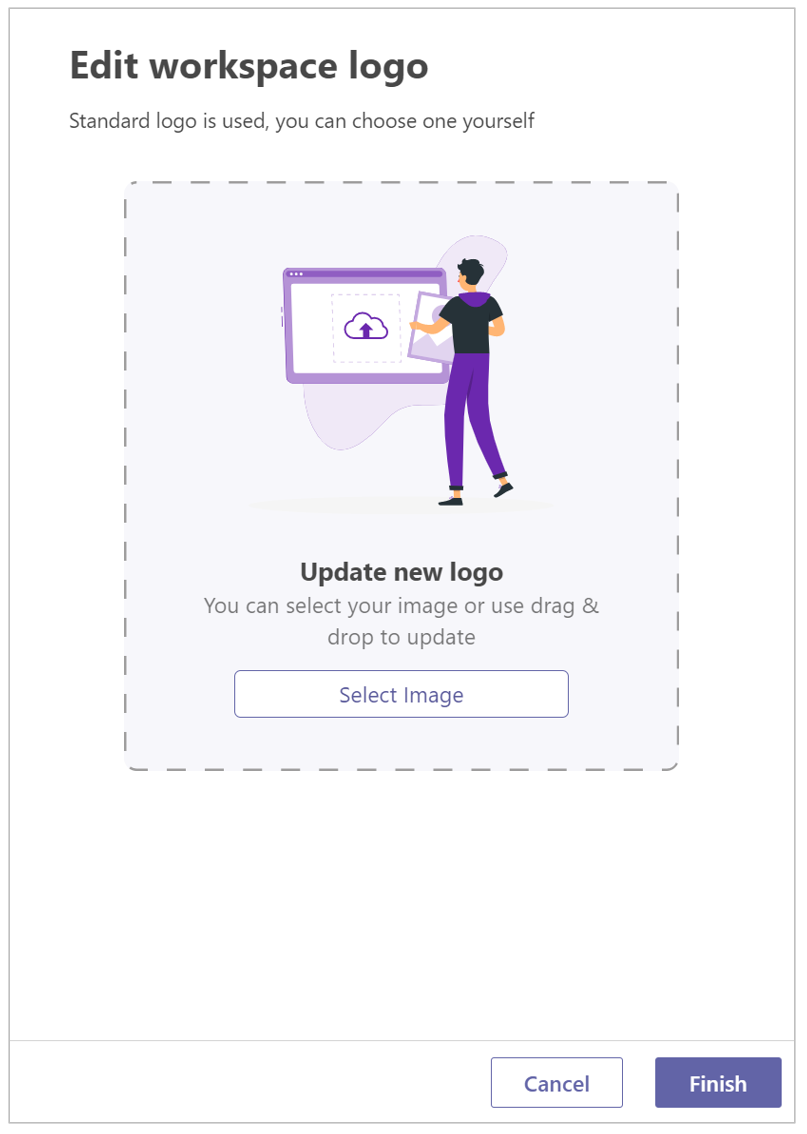
-
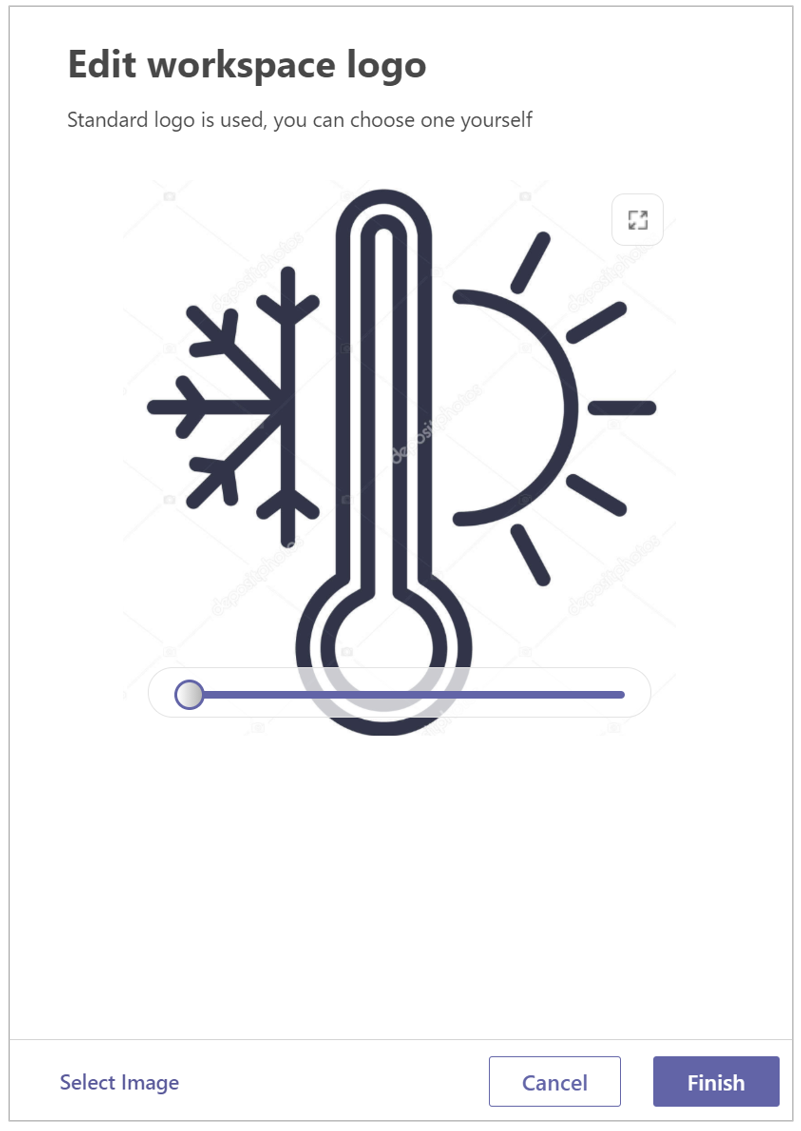
Update new logo - Click the Select Image option to to obtain a file browser window within which you can navigate to and upload an image file.
-
If so required, use the option to crop the image.
-
Click Finish.
-
Click Update to apply all changes made.