.png)
Review and approve the workspace requests
You require specific permissions within PortalTalk to be able to create a workspace and also to approve or reject requests for new workspaces.
If you have the permission to create workspaces within a specific workspace category, requests from colleagues to create a new workspace within that category will be sent to you.
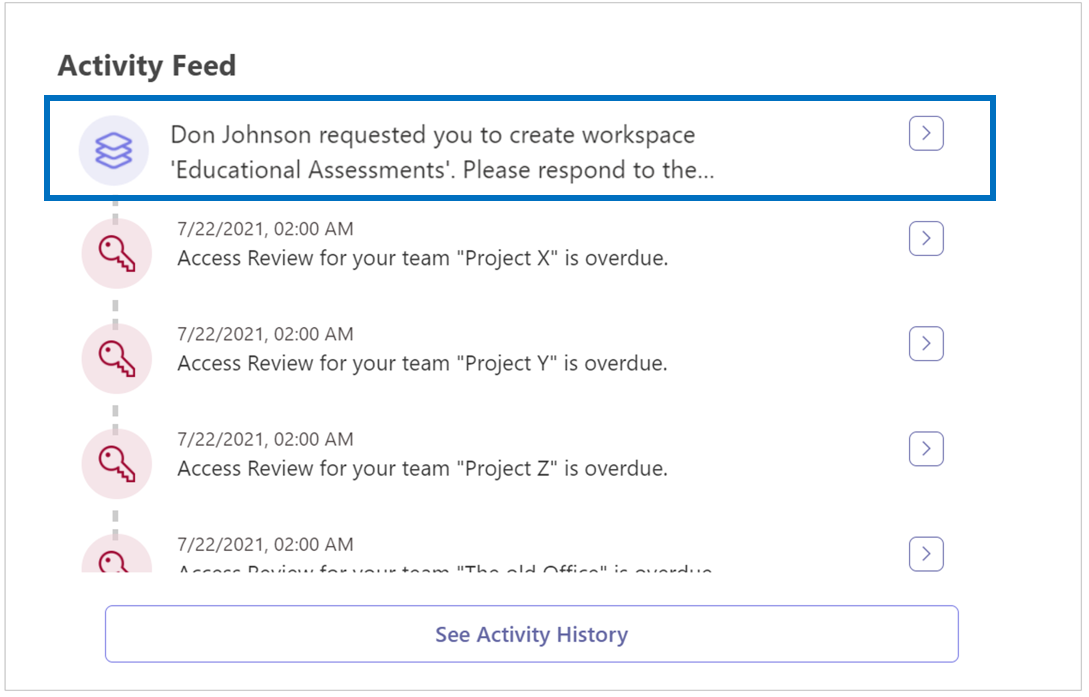
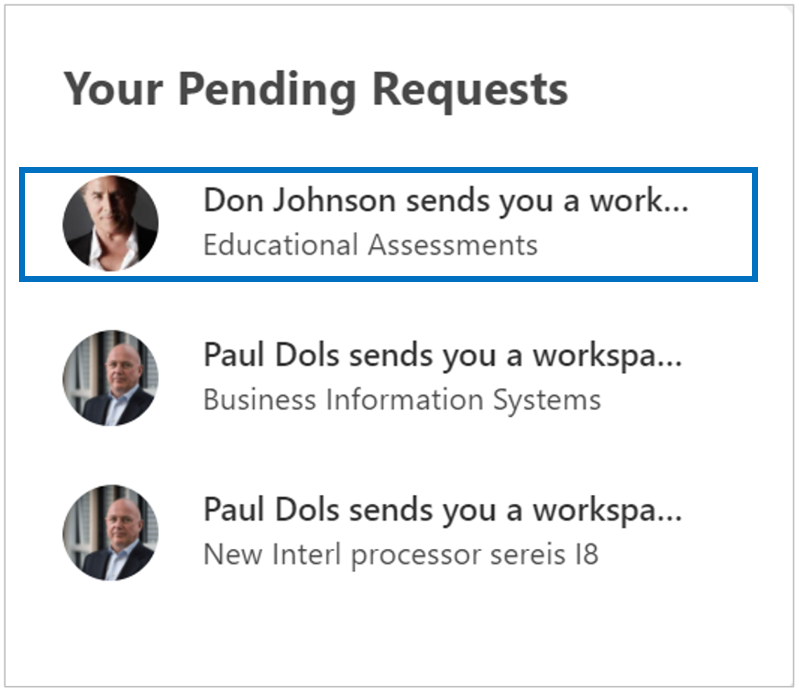
A workspace request is automatically sent in the form of an Activity Feed notification and an email message to all users who have permission to create workspaces within the concerned workspace category.
The workspace request is reported on your personal activity dashboard, in your Activity Feed:
The workspace request is also reported on your activity dashboard, in the Your Pending Requests box:
You will also receive an email message:
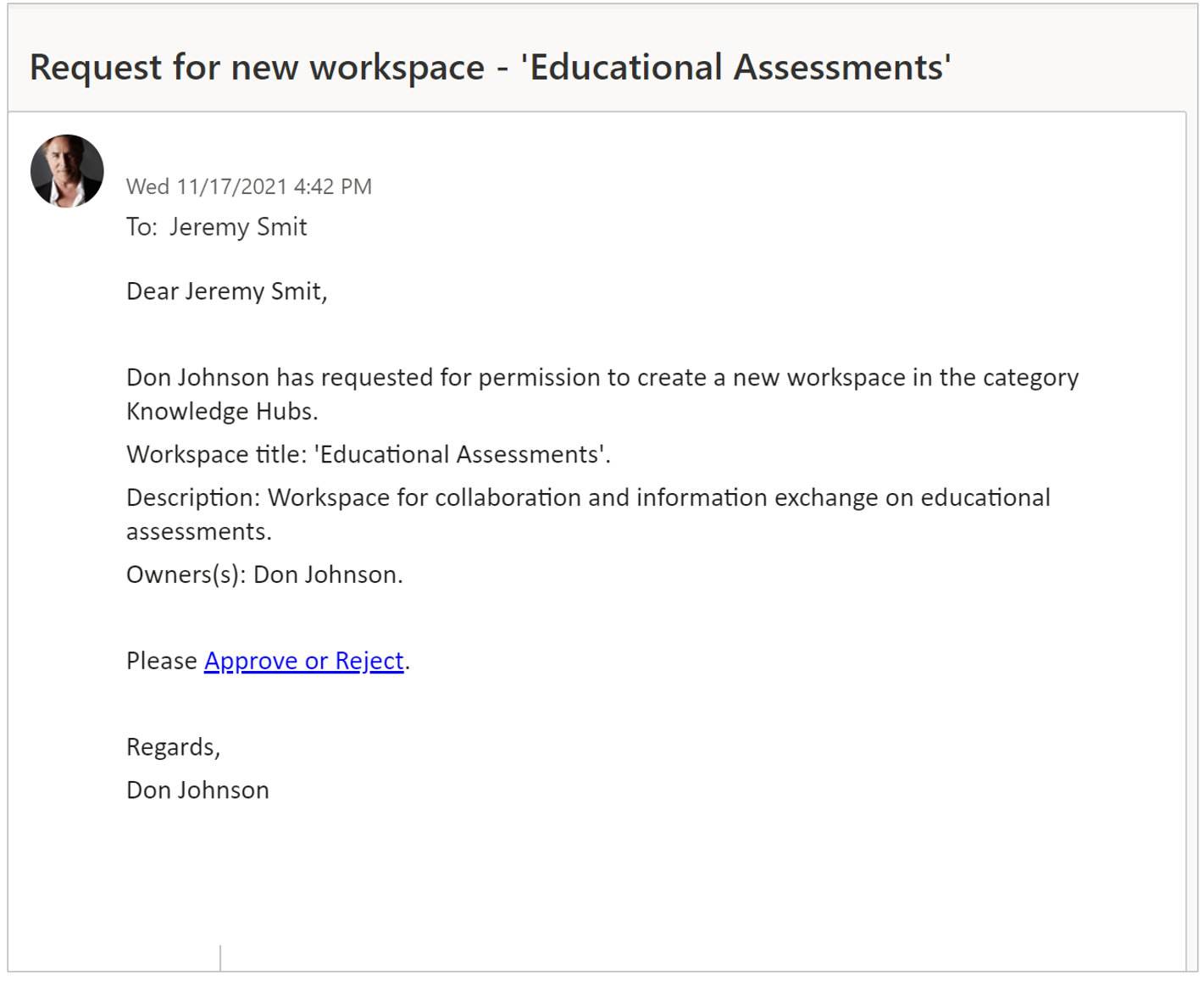
The text of PortalTalk' s automated email messages can be set/adjusted by your application administrator (see Managing the templates for automatically generated email messages).
See also:
Process the new workspace request through the link in the email
Process the new workspace request through the Pending requests list
Process the new workspace request through your Activity Feed