.png)
Launch a personal link from your Workplace
You create and maintain your personal links yourself (see create and maintain your personal links).
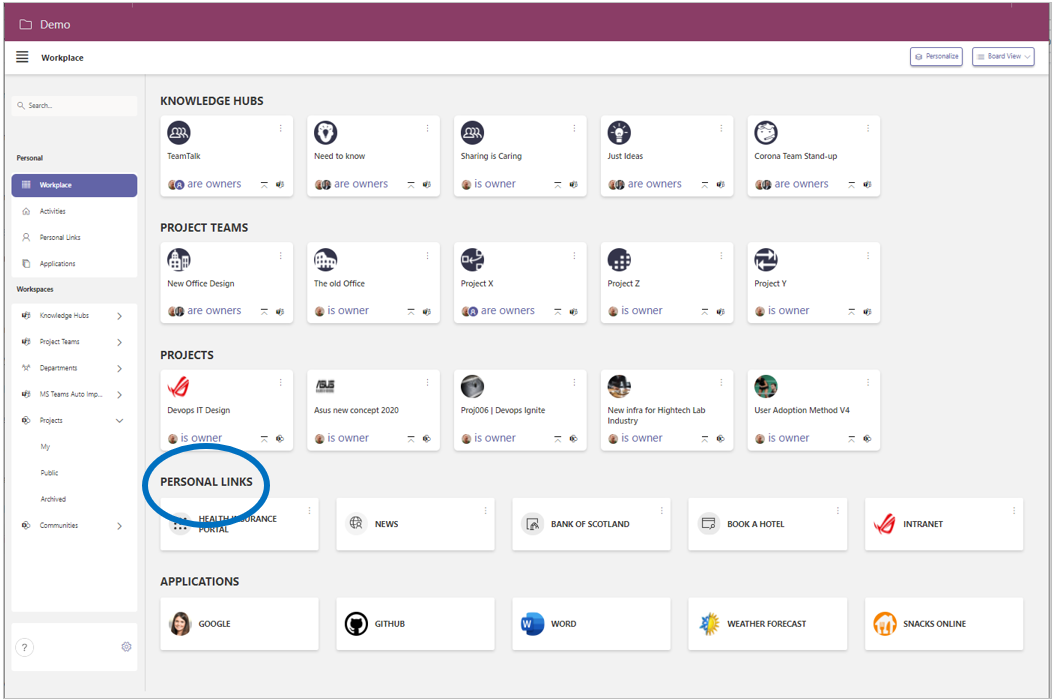
From your workplace’s Board View you can launch your personal links.
When you are working with the List View of your workplace, your personal links are not available.
A condition is that you have added the 'Personal Links' category to your workplace (see personalizing your workplace).
-
In the navigation panel, select the navigation option Workplace.
-
Activate the Board View (your personal links are not available within the List View).
-
Scroll to the Personal Links category.
-
Click the tile for the personal link you wish to use.
-
The linked website or online application is launched in a new browser tab.