.png)
The list view of your workplace
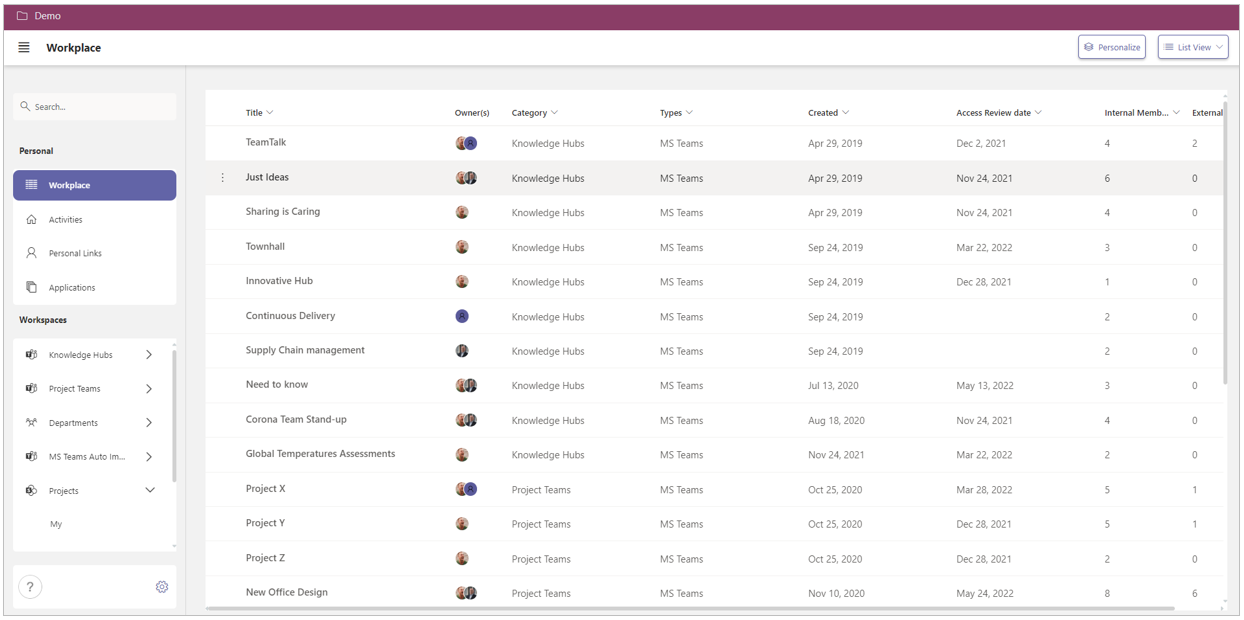
You can view the workspaces within your Workplace page in the List View.
This list contains all workspaces that you are a member of.
The advantages of the list view are:
-
All workspaces are displayed in a compact, well-arranged manner. A scroll bar becomes available on the right side of the screen if the number of workspaces exceeds the screen size;
-
The view can be filtered and sorted by the view columns.
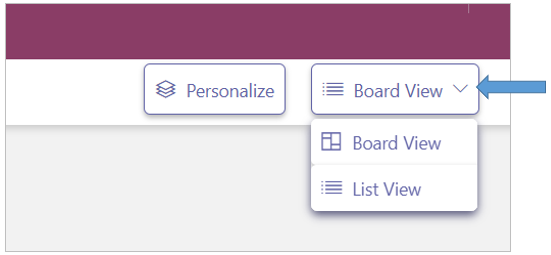
Your Workplace list view only displays your workspaces, so no business applications and no personal links either.
The board view of your workplace
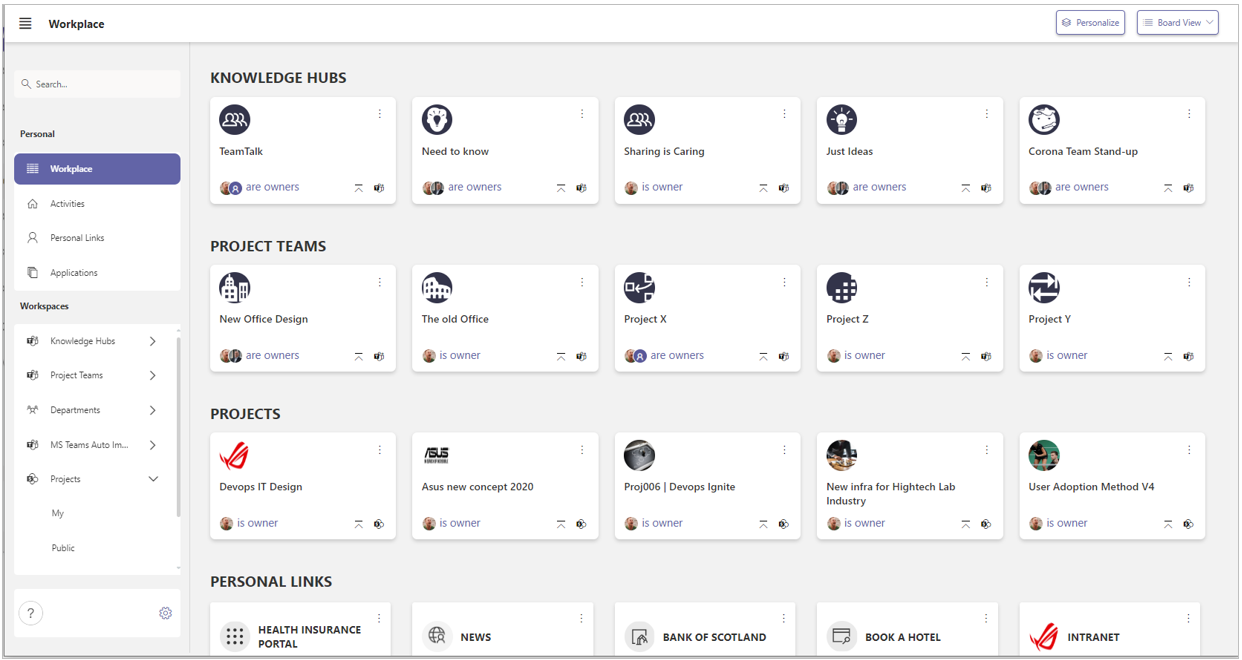
In the Board View, you can display the workspaces of your chosen workspace categories as tiles on your Workplace page. These concern the workspaces of which you are a member.
In addition, you can add the tiles for the business applications and for your personal links.
The tiles are displayed by category in horizontal rows.
By personalizing your workplace, you determine which categories are displayed on your workplace page, within which position and - per category - the number of displayed rows.
Your Workspace page can only display the links to the workspaces of which you are a team member and of the applications for which you have usage permissions.