.png)
You can designate either your Activities dashboard or your Workplace | Your personal workplace within PortalTalk as your start screen.
Your PortalTalk start screen is the first page displayed when launching the PortalTalk web application.
-
Click on the gear symbol at the bottom right of the navigation panel.
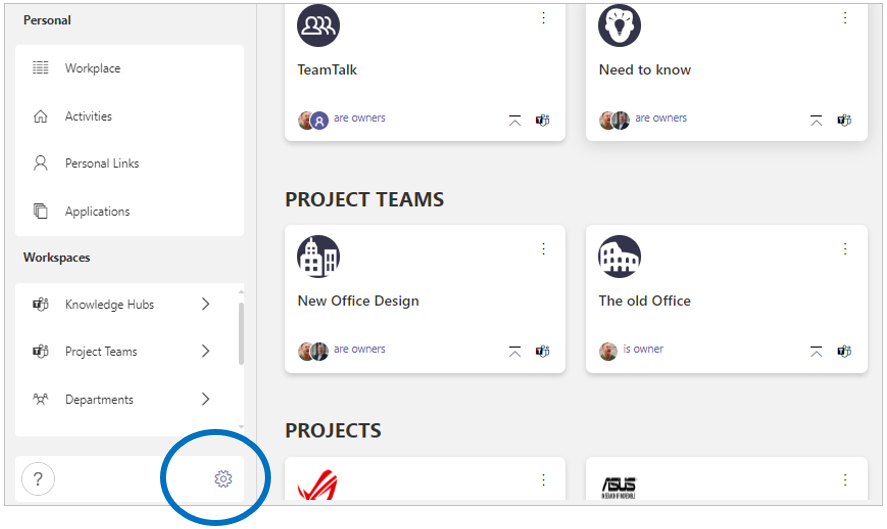
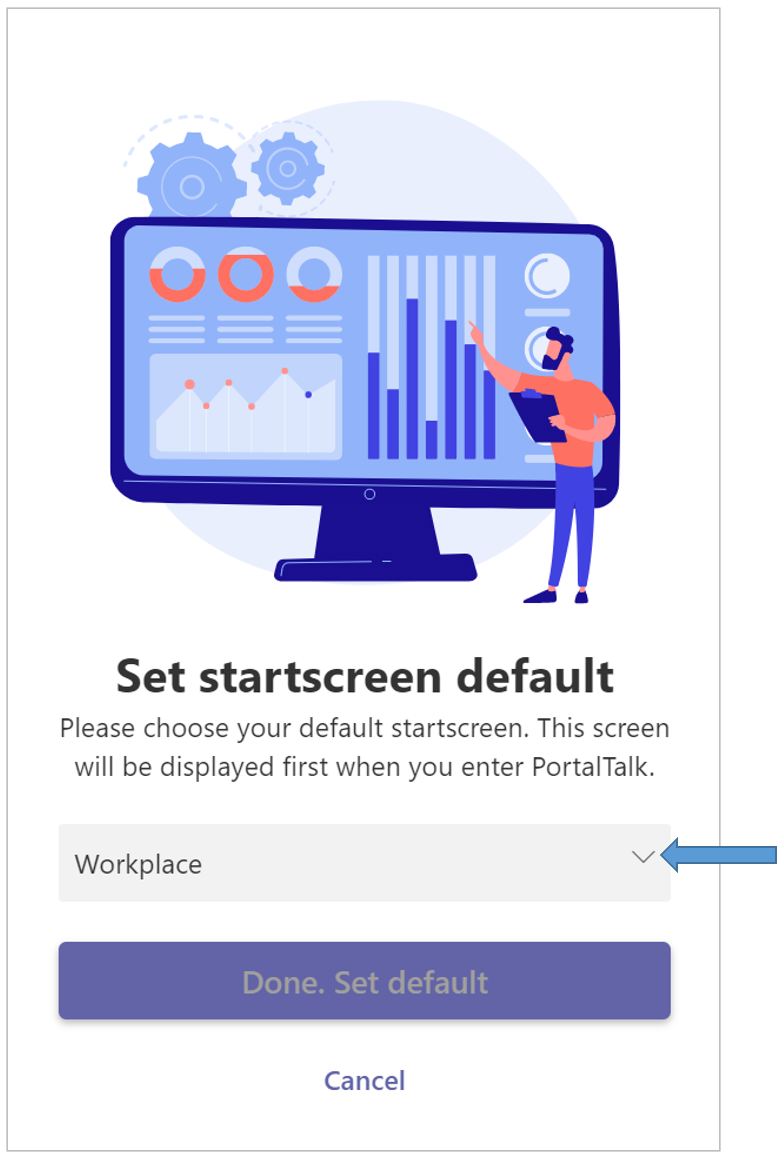
The Set startscreen default panel is displayed:
-
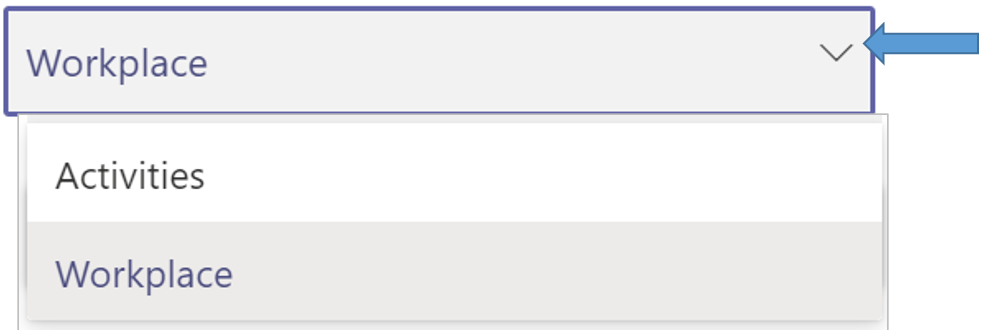
Make your choice - Activities or Workplace.
-
Click the option Done. Set default.
The setting you have chosen will be saved until you change it if you so wish.