.png)
Personalize your workplace
By personalizing your Workplace, you can ensure that your Workplace always contains the links to the workspaces, business applications, and personal links that you currently work with the most.
-
In the left navigation panel, click Workplace.
-
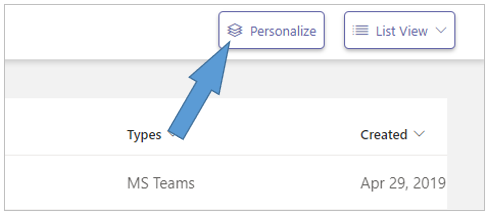
Click on the Personalize option at the top right of the Workplace page.
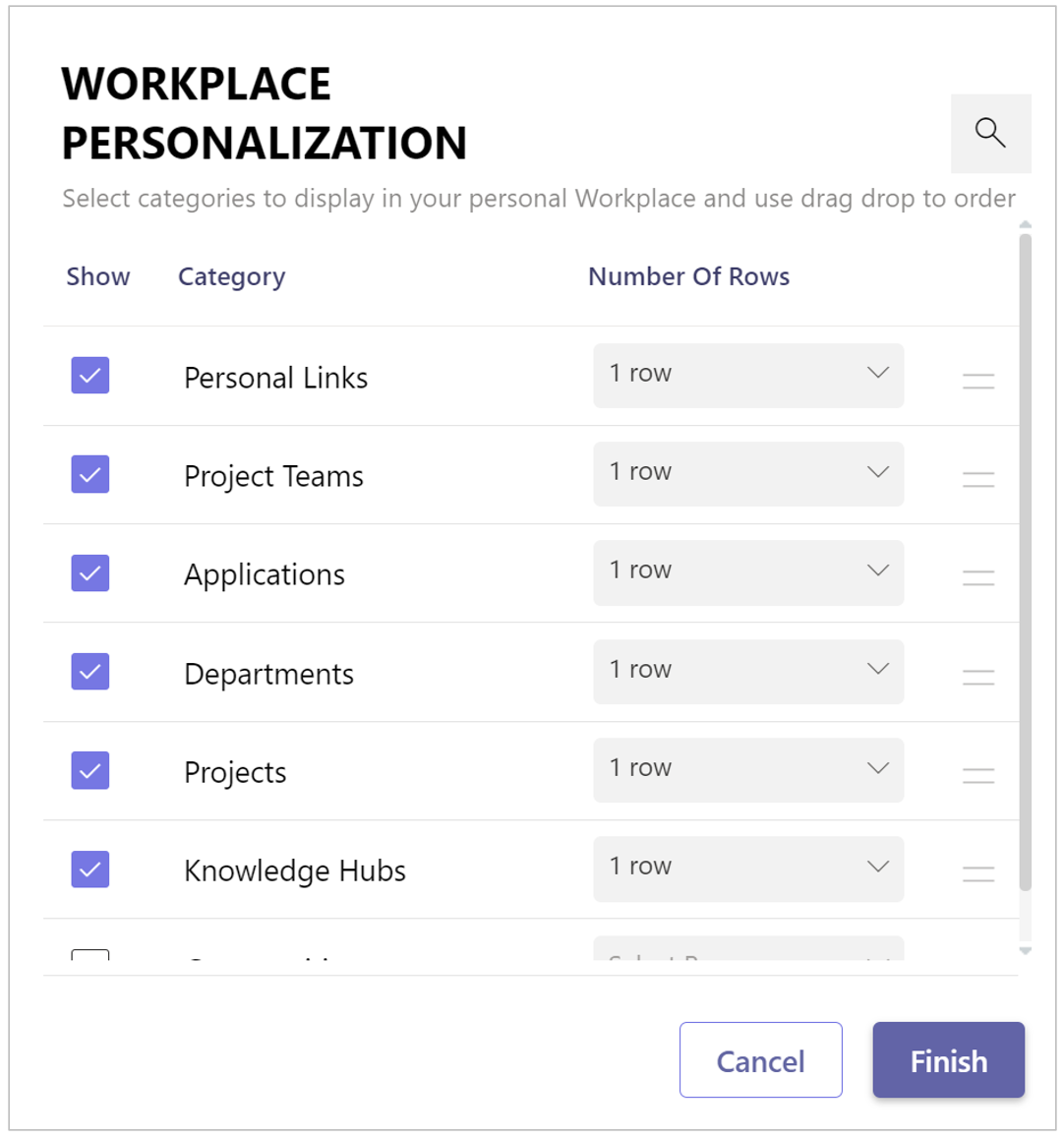
The Workplace Personalization dialog is displayed:
-
Check the workspace categories you want available in your Workplace page.
-
Check the Personal links category if you want to access these from your workplace.
-
Check the Applications category if you want to be able to launch business applications from your workplace.
-
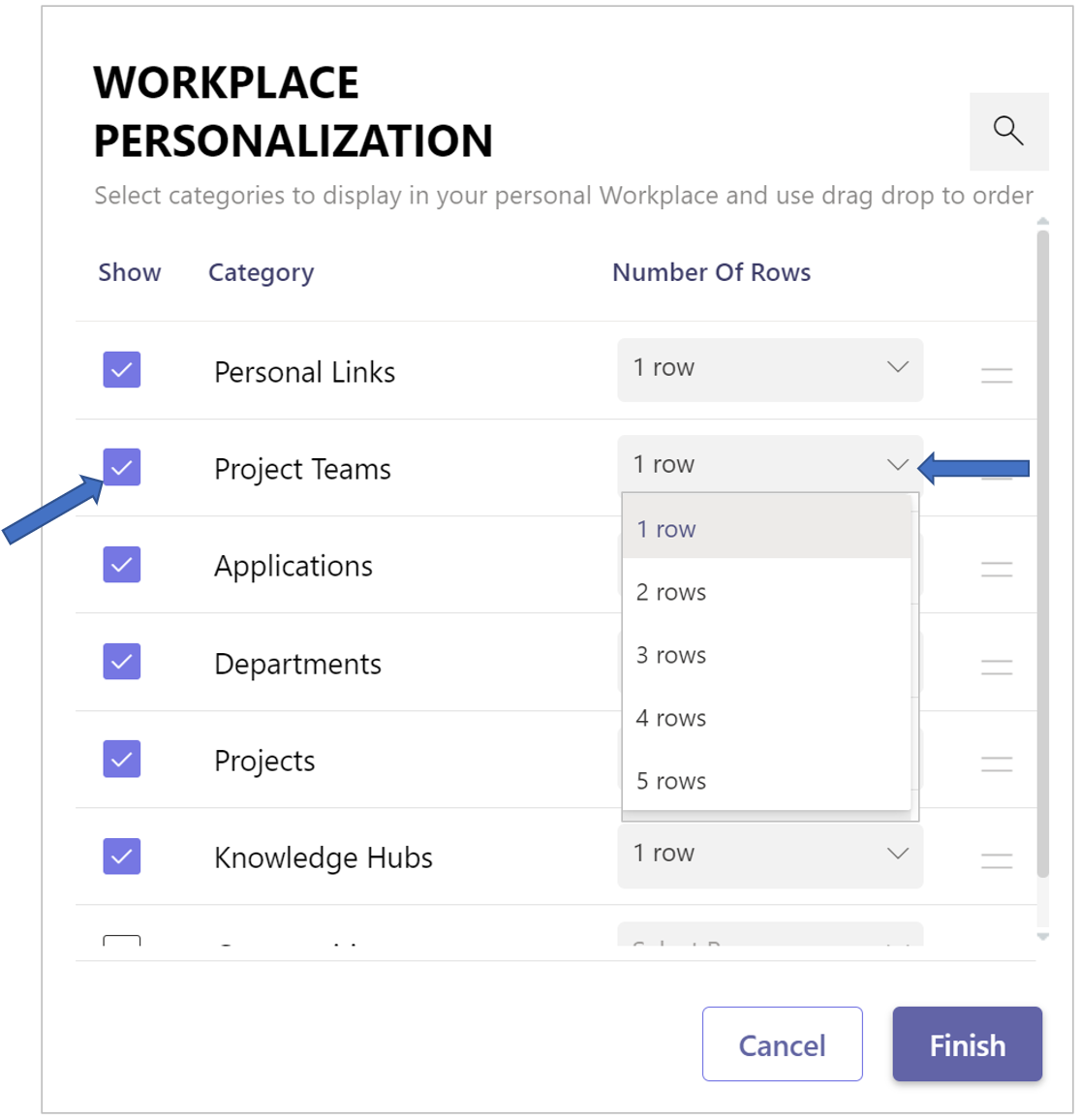
For each chosen category, select the desired number of displayed tile rows.
-
Position the selected categories relative to each other by means of drag & drop.
-
Click Finish.