.png)
Workspace categories and subcategories
In PortalTalk, the various workspaces are organized into categories that are clearly recognizable for the entire organization , e.g. Communities, Knowledge Hubs, Projects, Departments etc.
Each category is further divided into three subcategories: My, Public, and Archived.
A (sub)category will be displayed in the left navigation pane only when you have access to one or more of its workspaces.
The links within a subcategory provide access to the workspaces for which you have access permissions.
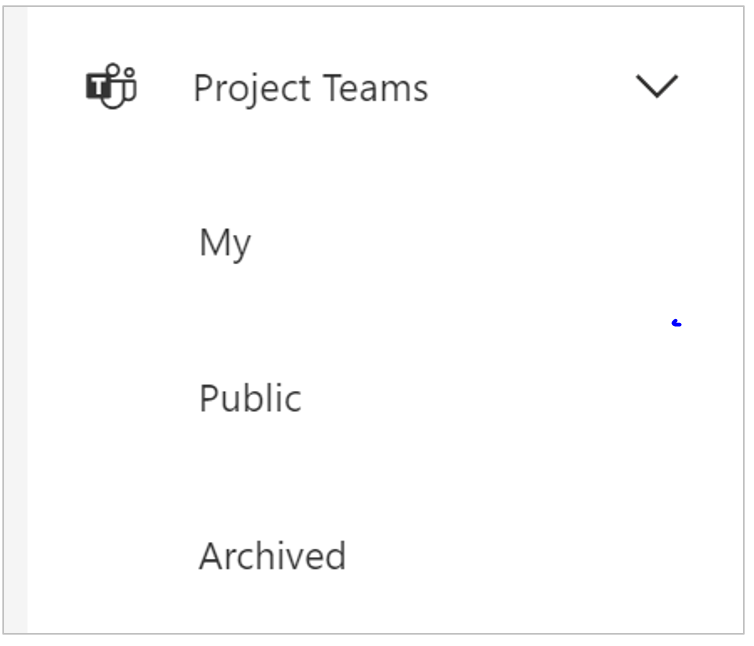
Image above: The 'Project Teams' workspace category with its three subcategories 'My', 'Public' and 'Archived'
-
My - The links to workspaces of which you are a member are displayed in the My subcategory.
-
Public - If the owner of a workspace has set access permissions for the entire organization (usually Read Only), then the link to that workspace will be displayed for all users within the Public subcategory.
-
Archived - Archived workspaces of which you are an internal team member or to which the entire organization has access, are displayed within the Archived subcategory.