.png)
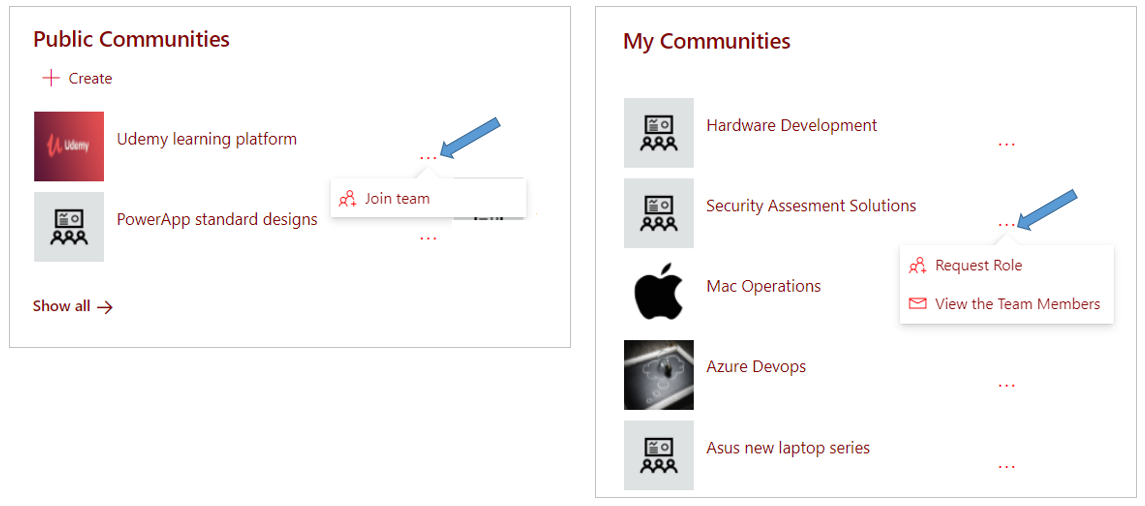
A PortalTalk Workspaces web part displays the links to the workspaces to which you have access permissions.
This typically concerns the workspaces of which you are a team member, plus all public workspaces within the organization.
By clicking such a link you navigate to the relevant workspace.
In the PortalTalk Workspaces web part you can also request membership and roles for the various workspaces.
Your workspaces are organized within categories
Request the creation of a new workspace
Actions to find out who the team members of a workspace are, to become a team member yourself, or to request a new role as a team member