.png)
Who are members of a workspace
You can find out who are in the team of a workspace from the workspace link.
By clicking on the name of one of the workspace owners, you can open a page listing all the team members of the workspace.
-
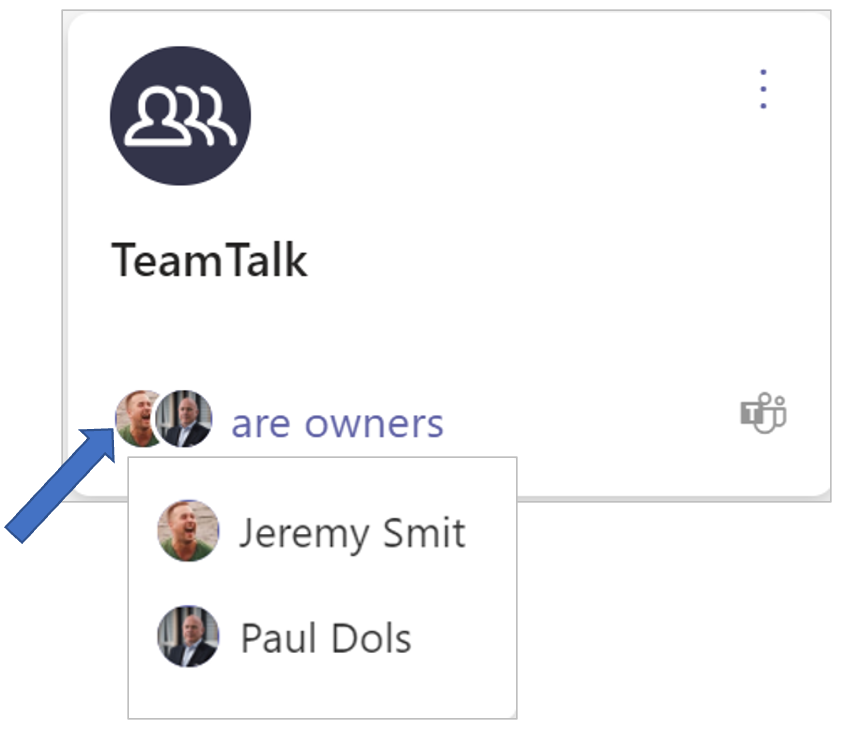
Click on the workspace owner(s) at the bottom of the workspace tile to view the individual owners.
-
Click one of the owners.
The workspace’s Members page is displayed:
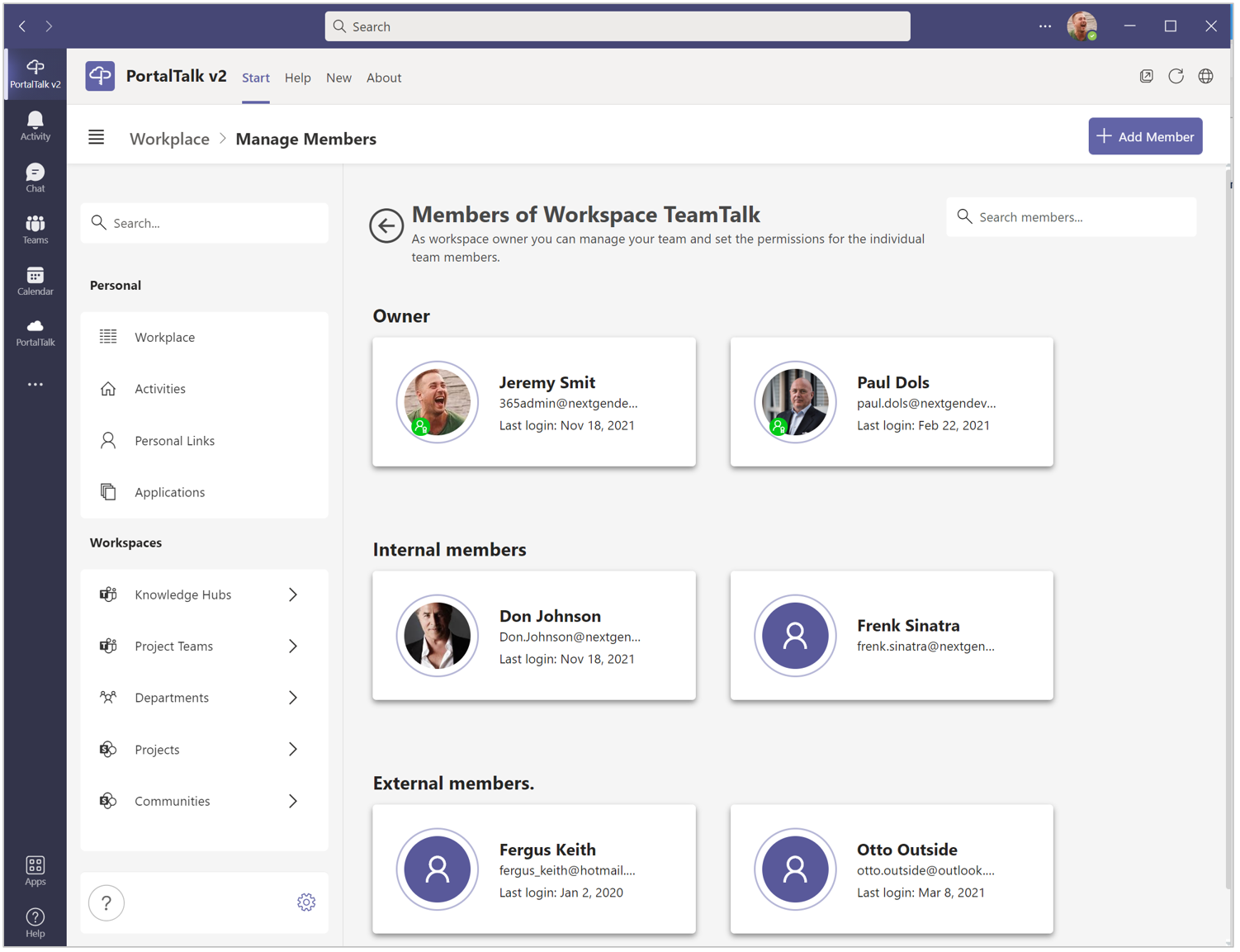
The workspace’s owners are displayed at the top of the page.
Below is a segment with the internal team members.
At the bottom of the page the external team members are displayed.