.png)
Your personal workplace within PortalTalk
Within the Personal block in the navigation panel, you will find the link to your own workplace.
You can populate your Workplace page with the various workspace and application categories, and organize them according to your own insight.
This allows you to ensure that your Workspace always contains the links to the workspaces and applications that you currently work with the most.
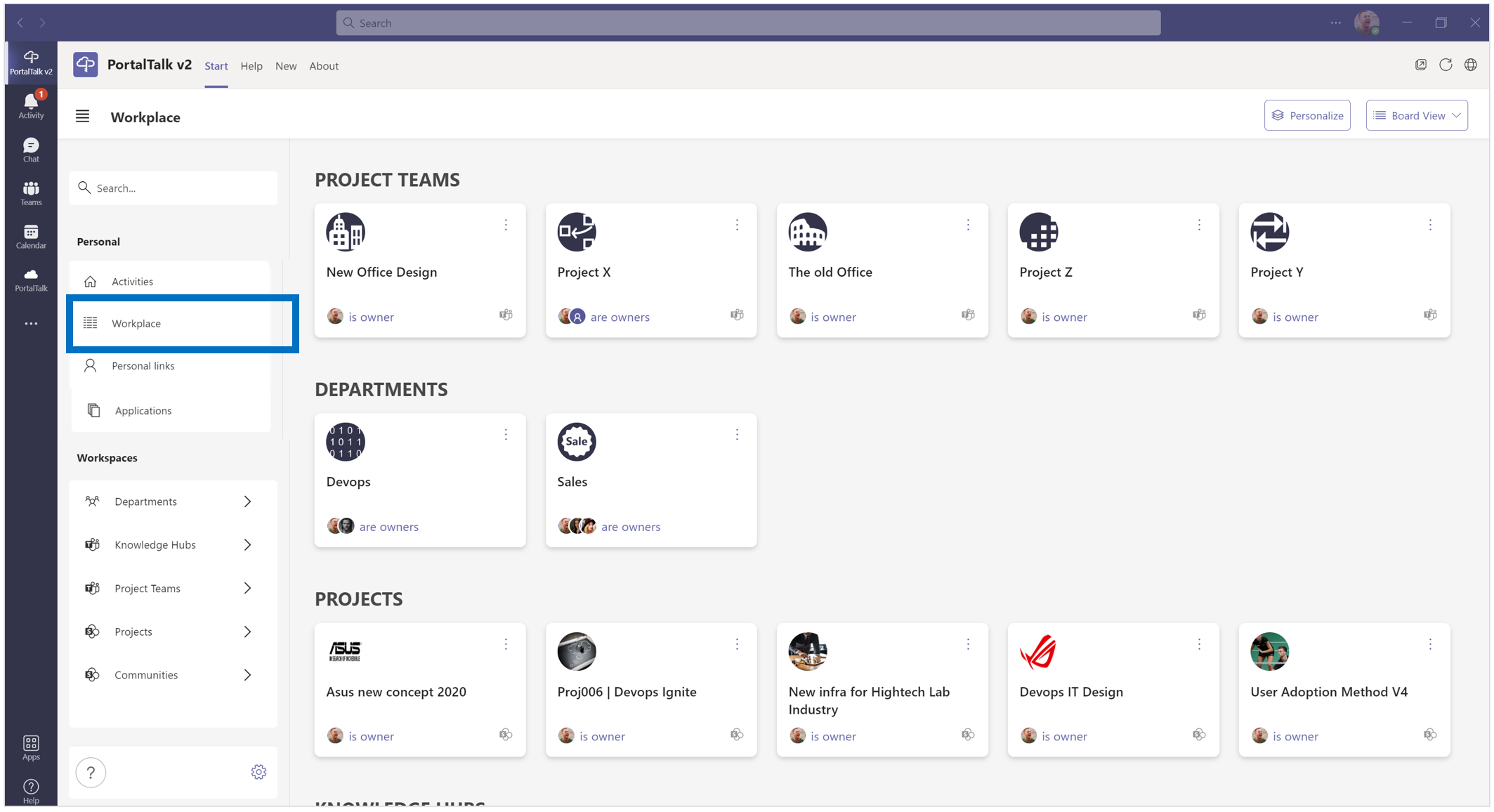
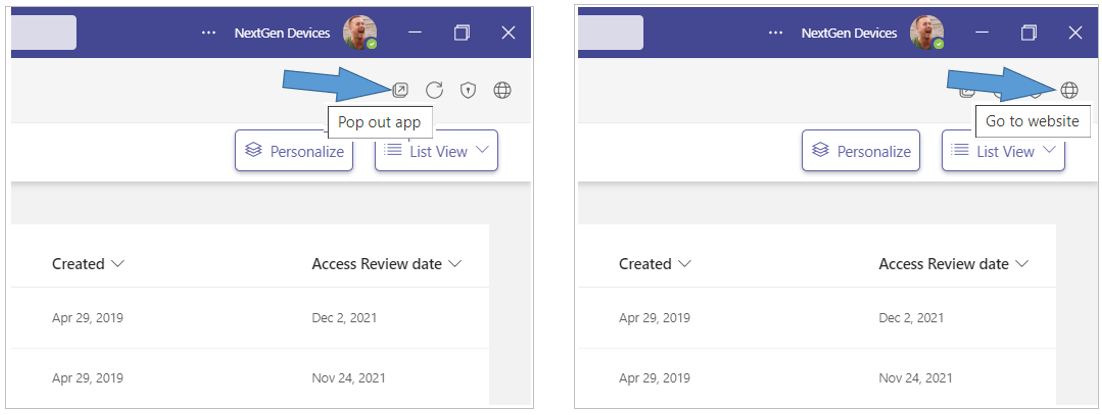
Tip: Open your workplace in a separate MS Teams window or in the web browser to easily navigate between your workplace and the various workspaces.
-
Click the Pop out app option to have the PortalTalk app available in a separate window.
-
Click the Go to website option to have the PortalTalk app available in a browser tab.
See also:
The Board View of your Workplace
The List View of your workspaces
Navigate your workplace to the workspaces, business applications or your personal links
Personalize your workspace by positioning the tiles and sorting/filtering the workspace list view