.png)
You can designate either your Activities dashboard or your personal Workplace as your start screen.
Your start screen is the first page displayed when starting PortalTalk.
-
Click on the gear symbol at the bottom right of the navigation panel.
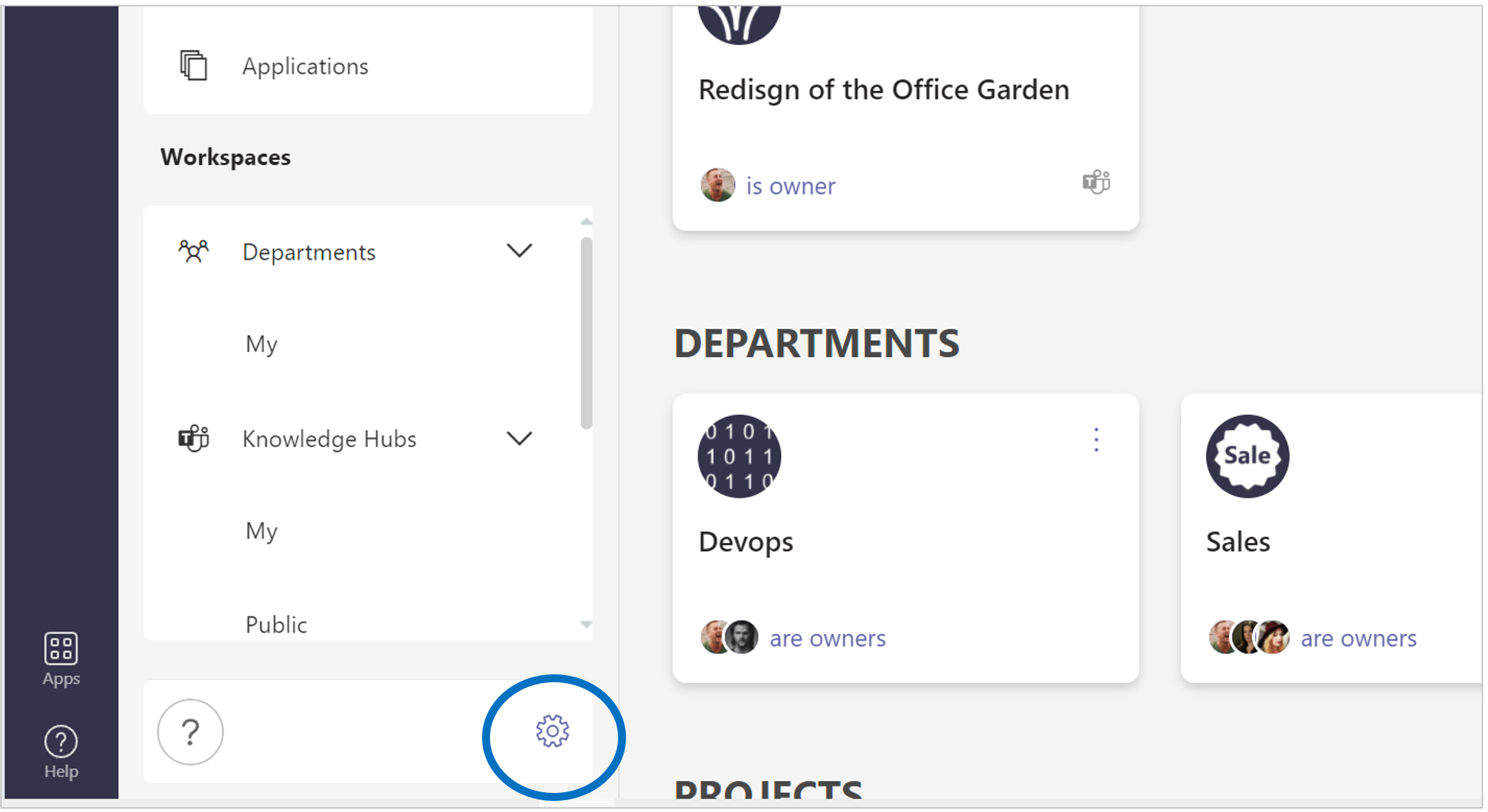
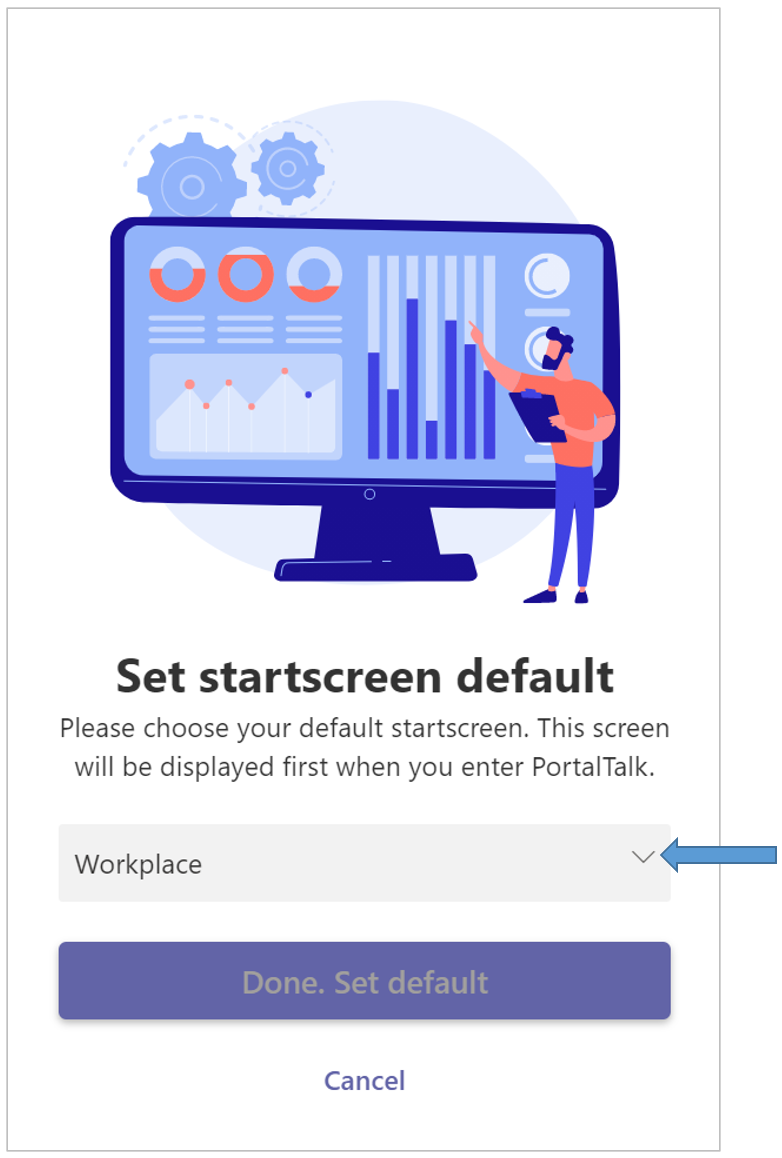
The Set startscreen default panel is displayed:
-
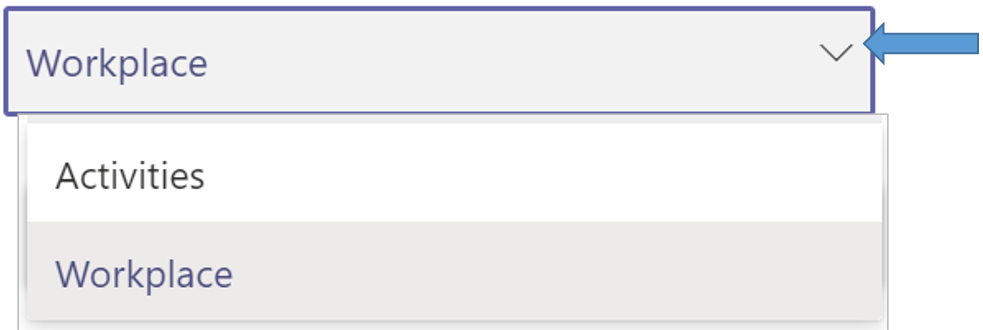
Make your choice - Activities or Workplace.
-
Click the option Done. Set default.
The setting you have chosen will be saved until you change it if you so wish.
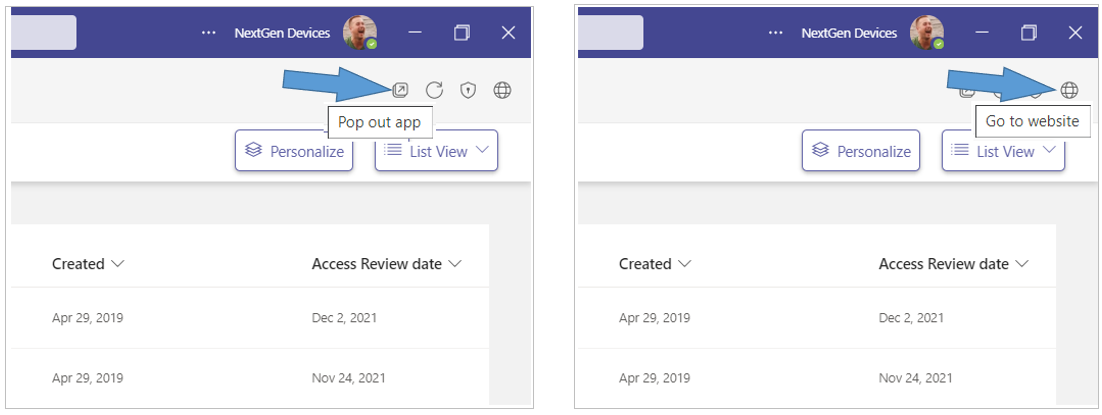
Tip: Open the PortalTalk app in a separate MS Teams window or in the web browser to easily navigate between the app and the various workspaces.
-
Click the Pop out app option to have the PortalTalk app available in a separate window.
-
Click the Go to website option to have the PortalTalk app available in a browser tab.