.png)
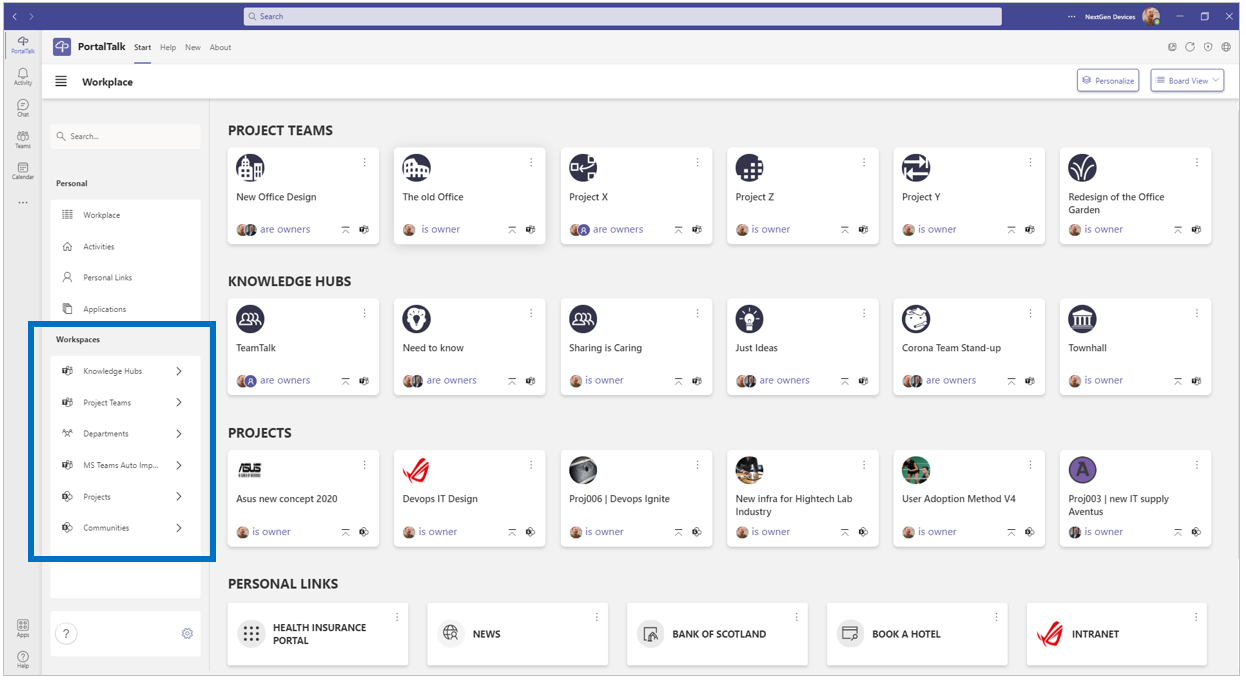
Links to all workspaces
Within the Workspaces block in the navigation panel, you will find the navigation links to the various workspace categories with their subcategories (My, Public and Archived)
You will see a (sub)category navigation link only if you have access to one or more of its workspaces.
You can request team membership and usage permissions for the various workspaces.
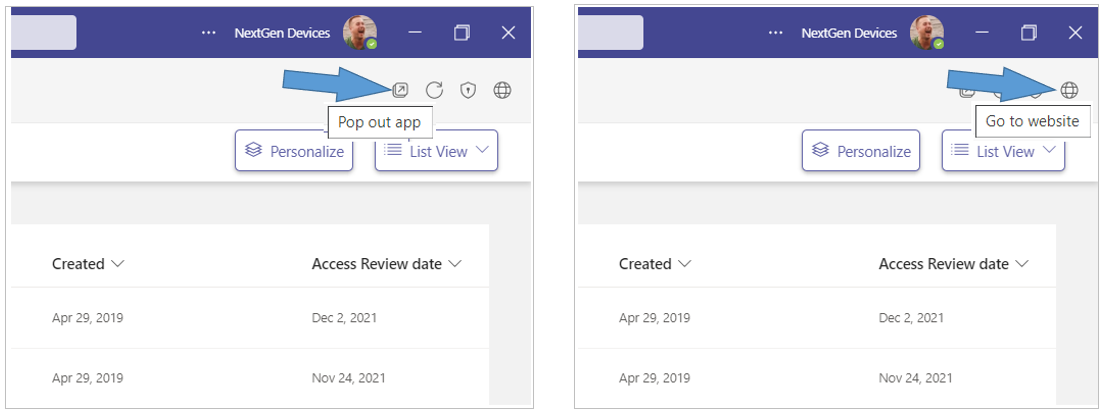
Tip: Open the PortalTalk app in a separate MS Teams window or in the web browser to easily navigate between the app and the various workspaces.
-
Click the Pop out app option to have the PortalTalk app available in a separate window.
-
Click the Go to website option to have the PortalTalk app available in a browser tab.
See also:
The workspaces are organized into categories
Actions for verifying who are in a workspace's team, for joining a team and, as a team member requesting a new role