.png)
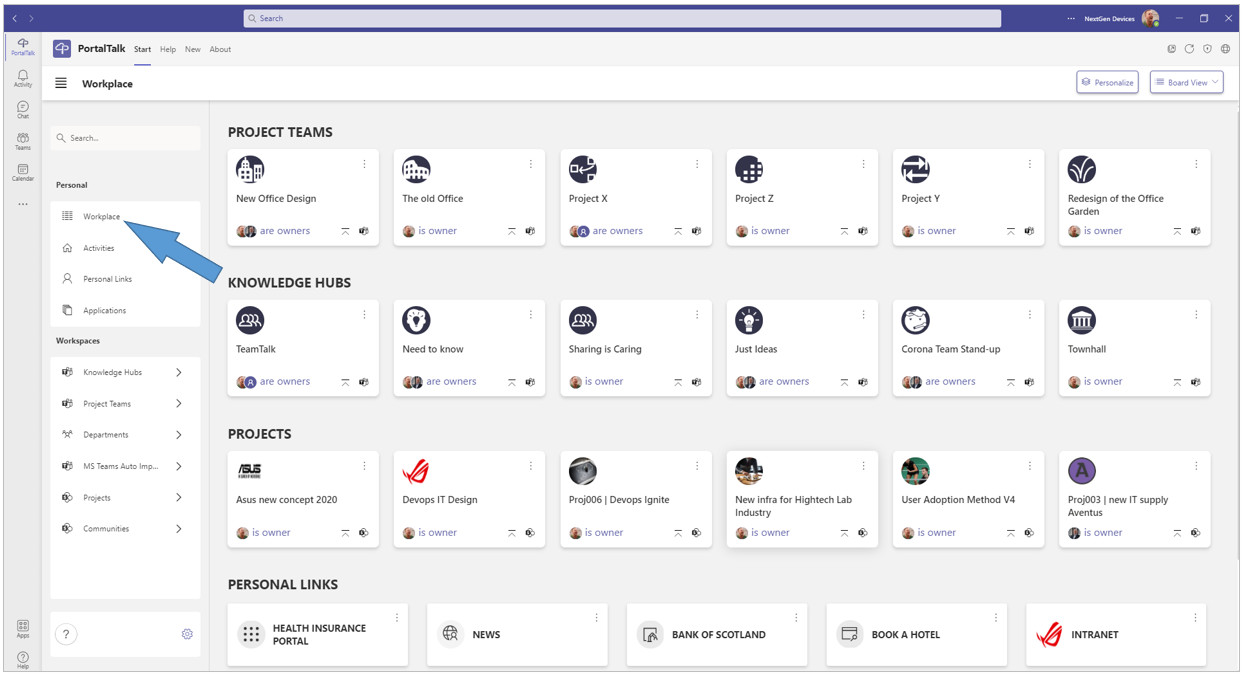
From your Workplace you can navigate to any workspace, business application or personal link displayed there.
If you use the list view of your Workplace page, the links to the company applications and your personal links are not displayed.
You must use the board view to see the company applications and your personal links in your workplace.
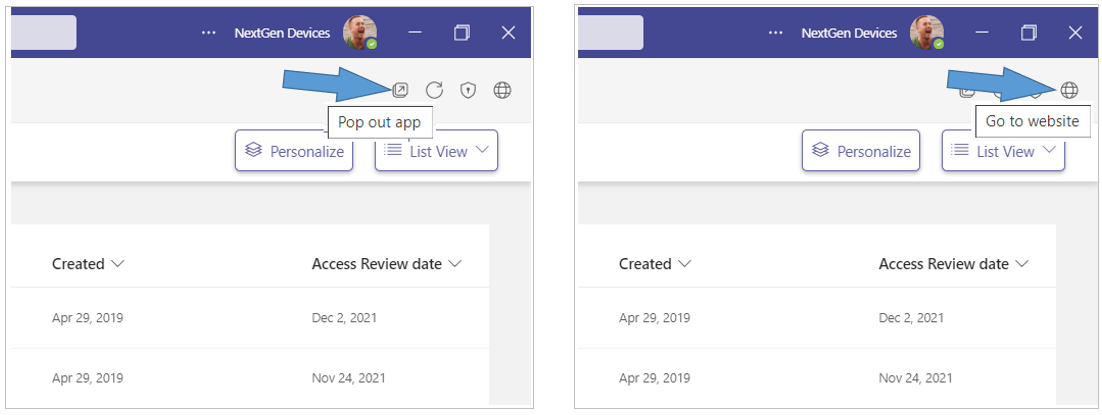
Tip: Open your workplace in a separate MS Teams window or in the web browser to easily navigate between your workplace and the various workspaces.
-
Click the Pop out app option to have the PortalTalk app available in a separate window.
-
Click the Go to website option to have the PortalTalk app available in a browser tab.