.png)
Your MS Teams Feed is a summary of everything that happened in the team channels you follow.
The PortalTalk activities are also displayed in this feed.
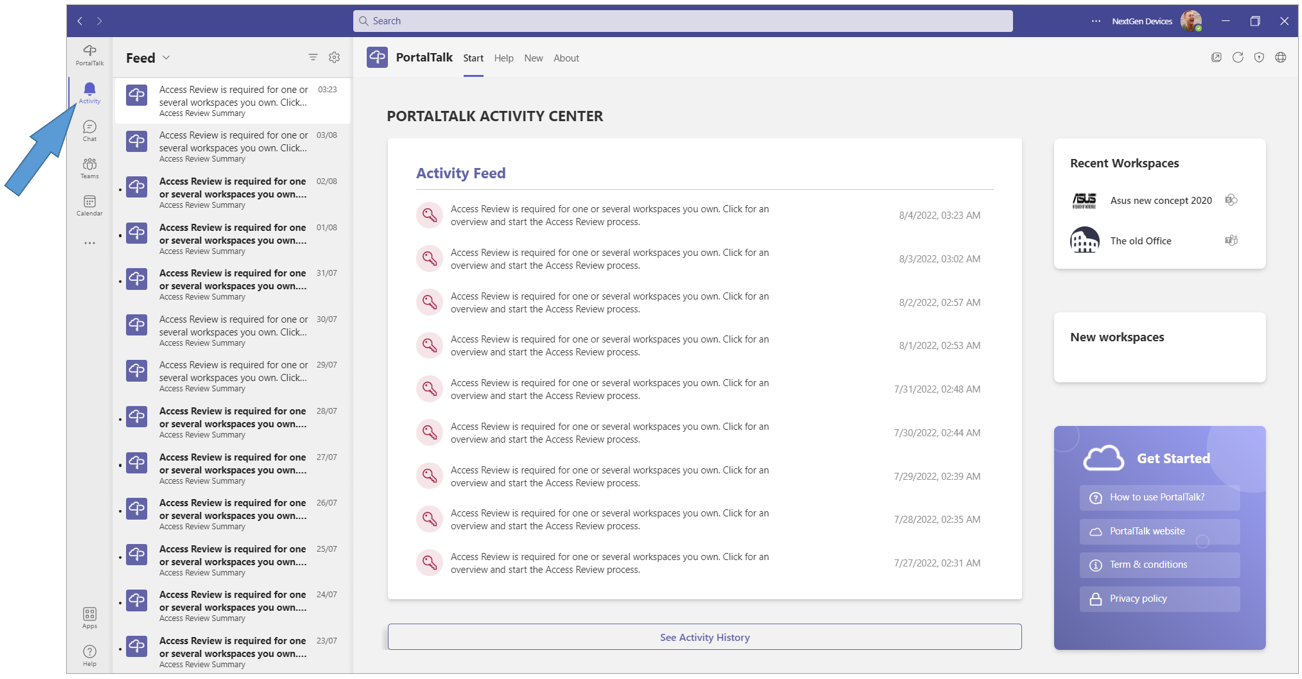
The following PortalTalk activities can be found in the MS Teams Feed:
- Workspace is requested
- Workspace Approve
- Approve or Reject Workspace
- Workspace Created
- You are Invited
- You are Rejected
- Request Role
- Approve or Reject Role
- Join team request
- Approve or Reject team
- Access Review due
-
Select the Activity navigation option to display your MS Teams Feed.
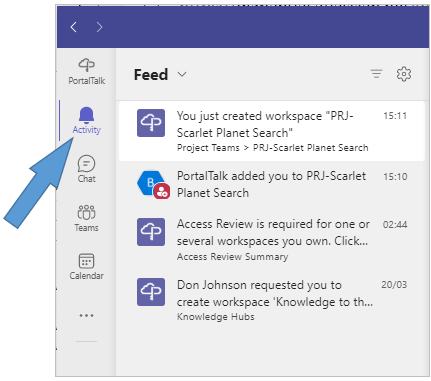
Bold text messages and activities have not yet been viewed or completed..
-
Select an activity or message to view the message or handle the activity in the content screen.
-
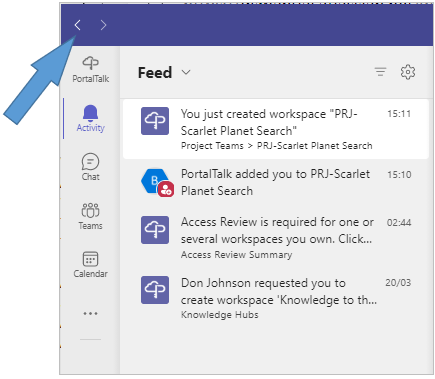
Click on the back arrow option to return to the MS Teams Feed.
-
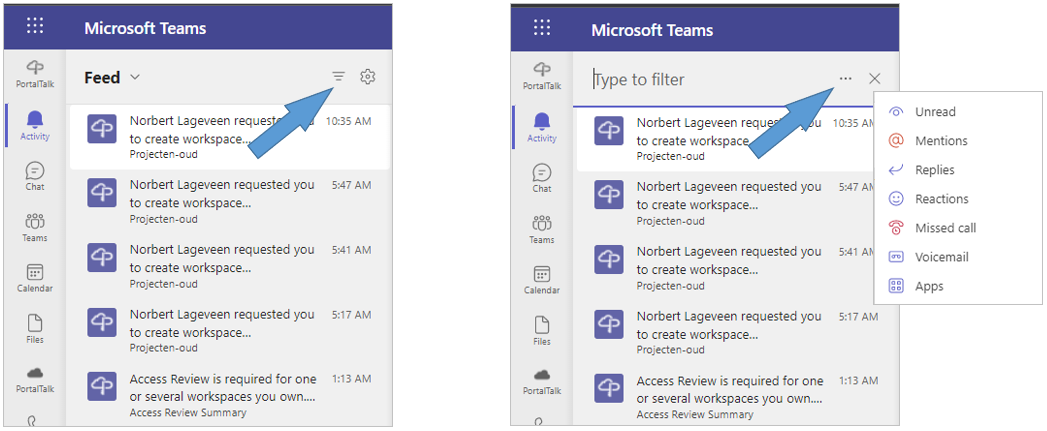
Use the filter to show only certain types of messages, such as Unread messages, Mentions, and Replies..